Case Converter
Free online case converter that transforms text into over a dozen styles: lowercase, UPPERCASE, Title Case, camelCase, snake_case, and more. Just paste your text, choose a style, and copy the result - quick, clean, and easy
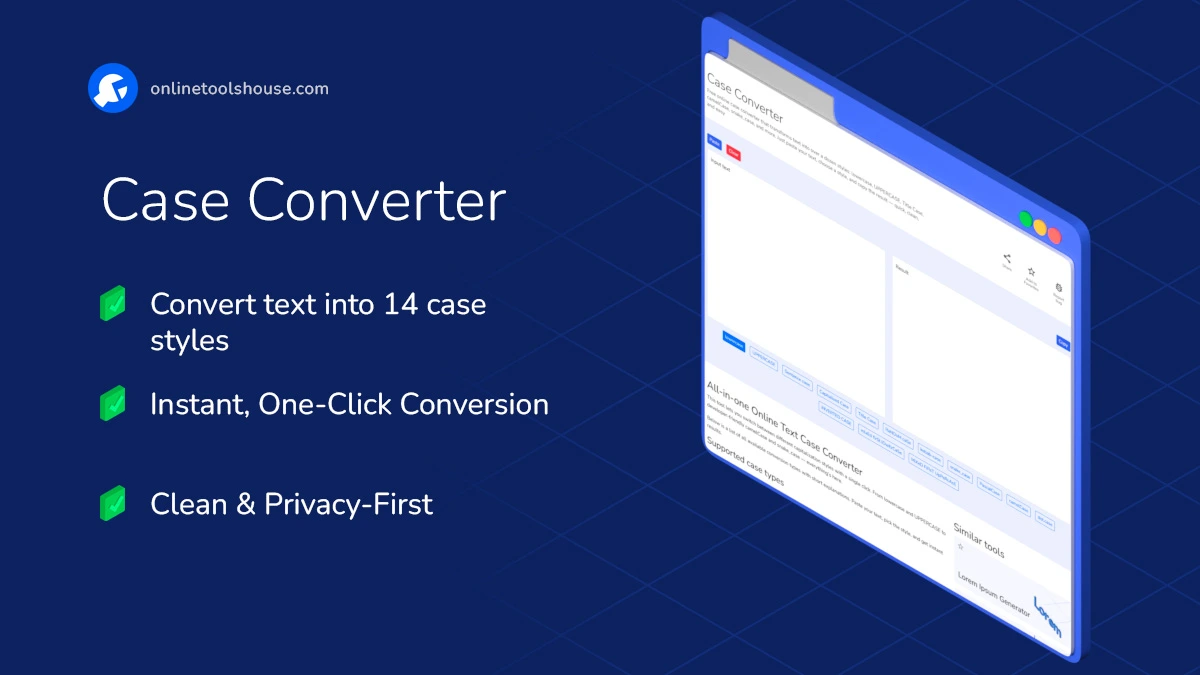
All-in-one Online Text Case Converter
This tool lets you switch between different capitalization styles with a single click. From lowercase and UPPERCASE to developer-friendly camelCase and snake_case - everything’s here.
Below is a list of all available conversion types with short explanations. Paste your text, pick the style, and get instant results.
Supported case types
- lowercaseConverts all letters to small letters.→ this is lowercase text
- UPPERCASEAll letters become capital letters.→ THIS IS UPPERCASE TEXT
- Sentence caseCapitalizes the first letter of each sentence and lowers the rest.→ This is a sentence.
- Capitalized CaseEach word starts with a capital letter.→ This Is Capitalized Case
- Title CaseApplies proper title styling (articles and prepositions in lowercase).→ The Lord of the Rings
- RaNdOm CaSeRandom upper and lowercase per character.→ tHiS IS WEiRd
- kebab-caseLowercase with hyphens.→ this-is-kebab-case
- snake_caseLowercase with underscores.→ this_is_snake_case
- PascalCaseEach word capitalized, no spaces.→ ThisIsPascalCase
- camelCaseFirst word lowercase, next words capitalized.→ thisIsCamelCase
- dot.caseLowercase with dots.→ this.is.dot.case
- Inverted CaseUppercase becomes lowercase and vice versa.→ tHIS iS iNVERTED
- Mixed First LowercaseAlternates characters, starting with lowercase.→ tHiS iS mIxEd FiRsT lOwErCaSe
- Mixed First UppercaseAlternates characters, starting with uppercase.→ ThIs Is MiXeD fIrSt UpPeRcAsE
Transform your text in 3 simple steps
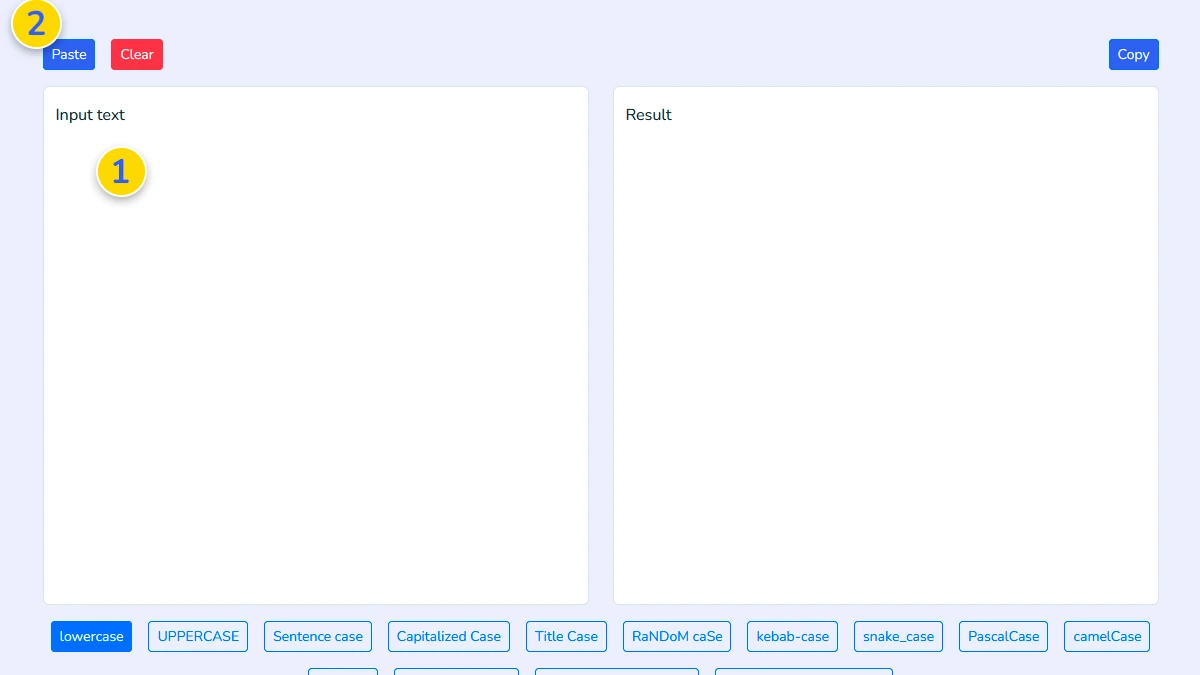
Paste or type your text1
Enter any text into the input box 1. You can type manually or paste text 2 you want to convert into a different case style.
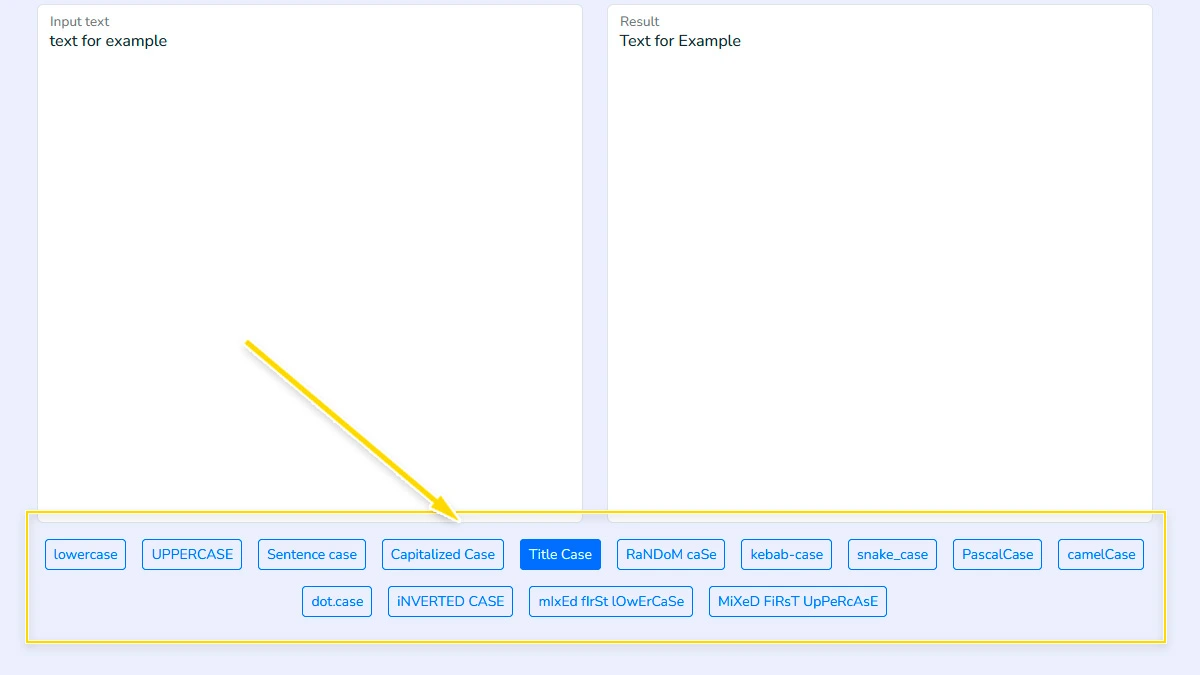
Choose a case style2
Click the case format you need, such as lowercase, UPPERCASE, Title Case, camelCase, snake_case, kebab-case, or another available option.
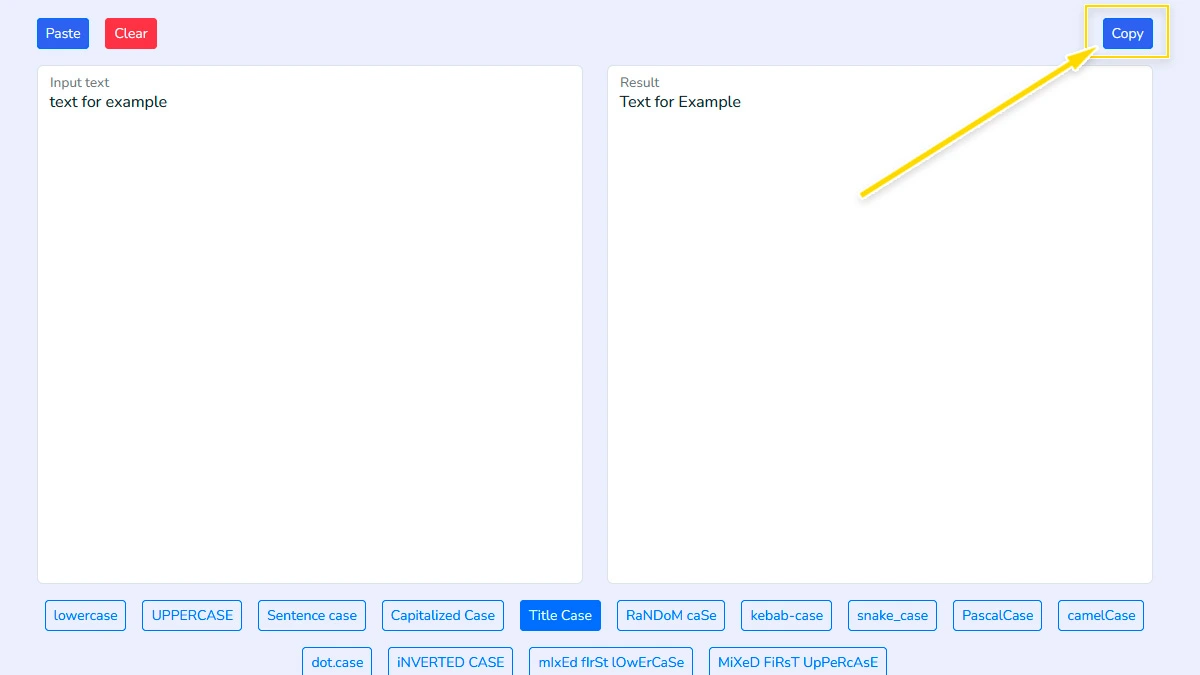
Copy the converted result3
The converted text appears instantly in the result box. Review it and copy it with one click to use anywhere you need.
FAQ
Is this case converter free to use?
Yes, this tool is completely free to use. You can paste text, convert it, and copy the result without paying or creating an account.
Which case formats are supported?
The tool supports a wide range of text styles, including lowercase, UPPERCASE, Sentence case, Capitalized Case, Title Case, camelCase, PascalCase, snake_case, kebab-case, dot.case, Inverted Case, and mixed-case variations.
Can I use this tool for programming text formats?
Yes. This tool is useful for developers who need formats like camelCase, PascalCase, snake_case, kebab-case, or dot.case for variables, object keys, CSS classes, URLs, or file naming.
Does the tool change my original text automatically?
No. Your original text stays in the input area, and the converted version appears in the result box. This makes it easy to compare both versions before copying.
Can I convert large amounts of text?
Yes, you can paste short or long text into the tool. It works well for quick edits, content formatting, and simple text cleanup tasks.
Is my text stored or uploaded?
No. Your text is processed directly in your browser and is not uploaded or stored on a server.
What is the difference between Title Case and Capitalized Case?
It’s all about the "small" words. Capitalized Case forces every single word to start with an uppercase letter. Title Case is smarter - it follows English grammar rules by keeping articles (a, an, the) and short prepositions in lowercase, making your headings look professional.