Reverse Text
Paste your text, pick how you want to reverse it (characters, words, letters in each word, sentences, lines or paragraphs) and see the result instantly. Turn messy input into clean, reversed text with options to keep punctuation, preserve letter case and trim extra spaces - then copy or download it in one click.
Reverse Text the Way You Need
Reverse Text is a simple online tool that lets you flip text in different ways - from reversing all characters to switching the order of words, sentences, lines or even entire paragraphs.
Just paste your text, pick a mode, and the result updates instantly.
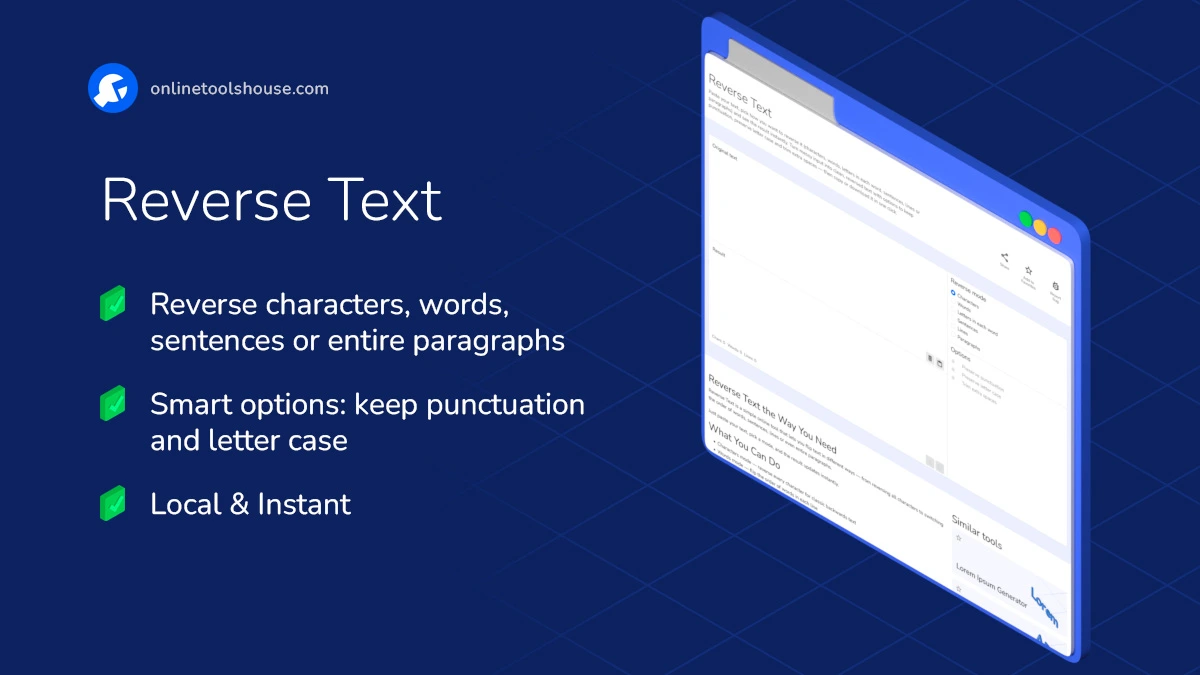
What You Can Do
- Characters mode - reverse every character for classic backwards text
- Words mode - flip the order of words in each line
- Letters in each word - reverse letters inside every word while keeping the sentence readable
- Sentences mode - reorder sentences in a paragraph
- Lines mode - flip lists, notes or multiline content
- Paragraphs mode - reverse entire blocks of text separated by empty lines
Smart Options
- Preserve punctuation - keep commas, dots and symbols attached to their words
- Preserve letter case - keep uppercase/lowercase patterns when reversing letters
- Trim extra spaces - remove duplicate spaces for cleaner output
These options help control how neat or “raw” the reversed text will be.
Extra Features
- Live preview - see changes instantly as you type or paste
- Quick actions - Copy, Paste, Clear, Download
- Word, line and character counters to track text length
- Clean, fast, distraction-free interface
How to Reverse Text Online
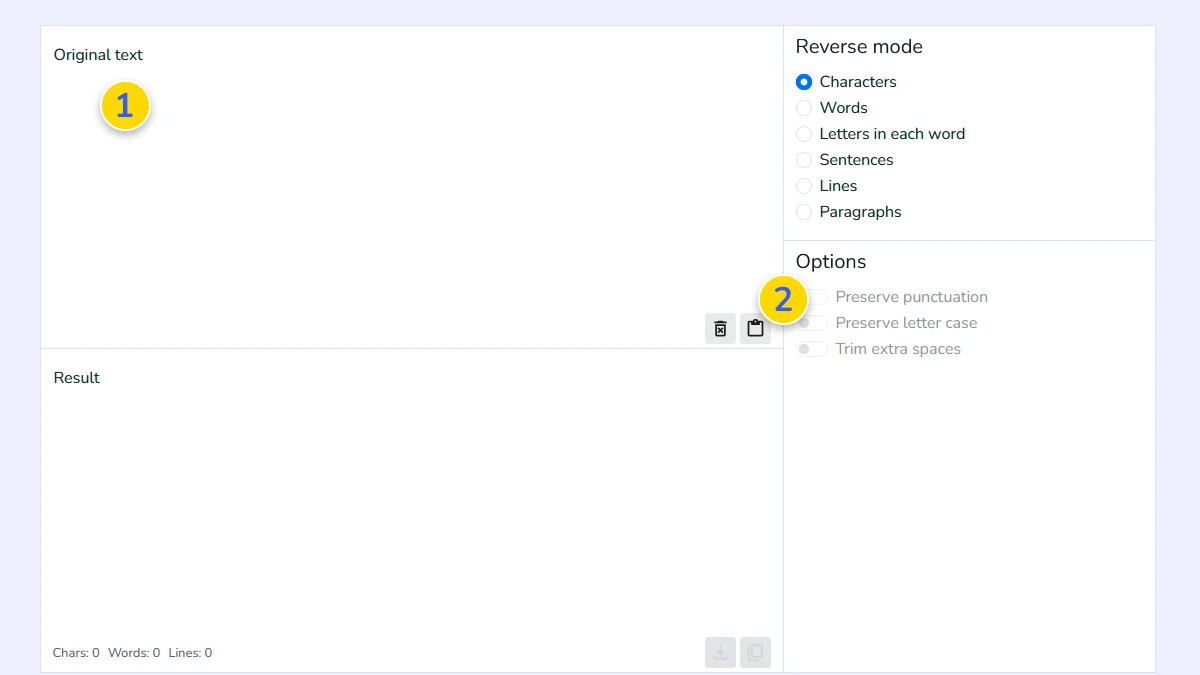
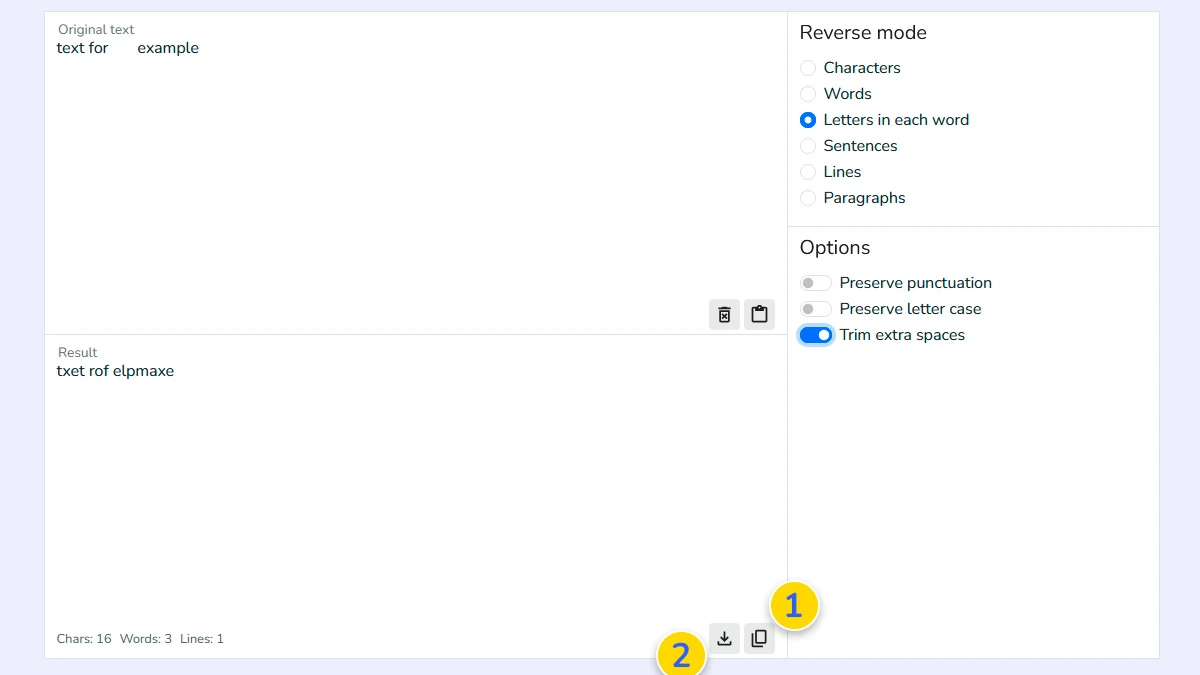
Paste or type your text1
Type directly into the "Original text" area 1 or paste your content using the paste button 2.
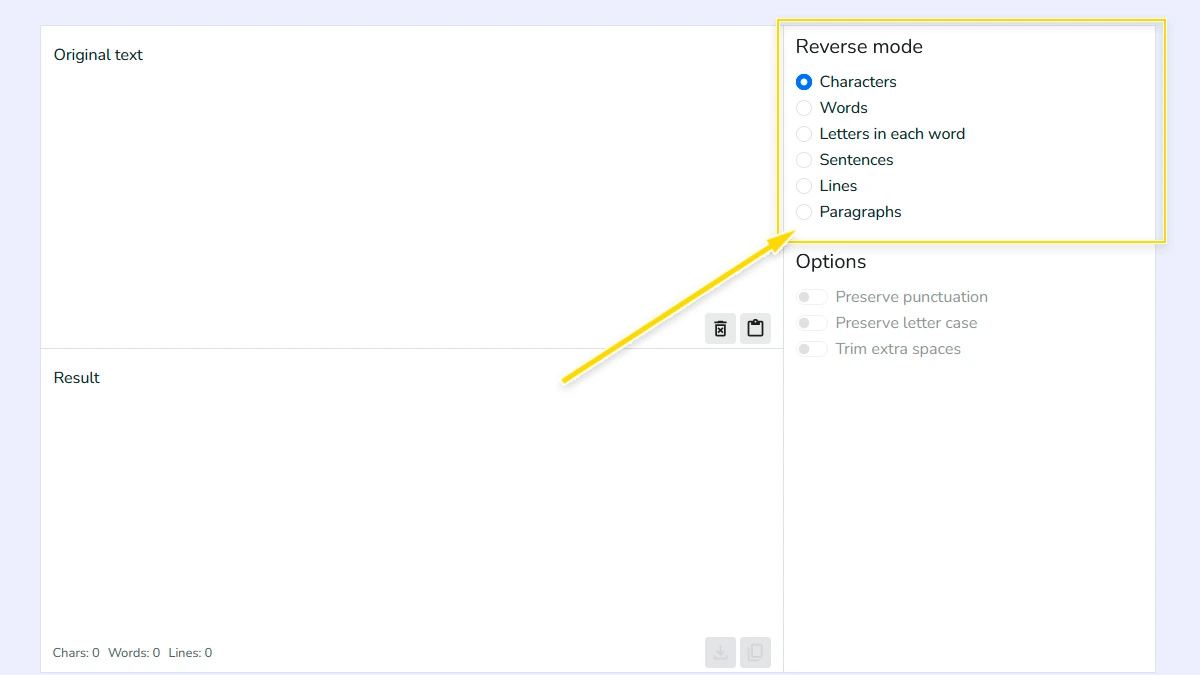
Choose how you want to reverse it2
Select a mode: "Characters", "Words", "Sentences", "Lines", or more.
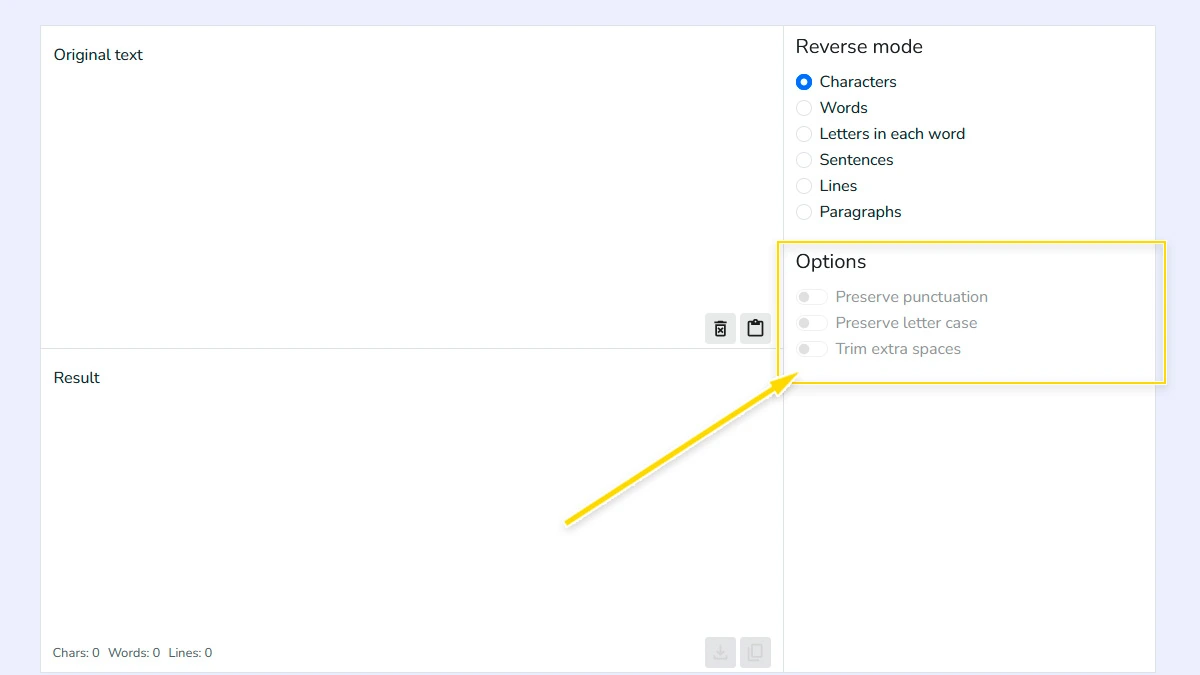
Enable smart options (Optional)3
Turn on "Preserve punctuation" to keep commas and symbols in place, or enable "Trim extra spaces" to clean up spacing.
Copy or download the result4
Use the copy 1 or download 2 buttons to get your reversed text instantly.
FAQ
What does reverse text mean?
Reversing text means changing the order of characters, words, or sentences. For example, “hello” becomes “olleh”. Depending on the mode, you can reverse the entire text or just parts of it.
Can I reverse only words or sentences?
Yes. The tool supports multiple modes: you can reverse characters, words, letters inside words, sentences, lines, or full paragraphs.
Is this tool safe to use?
Yes. All processing happens directly in your browser. Your text is not uploaded or stored anywhere.
Can I use this for long texts?
Yes, the tool handles both short and long texts. However, very large inputs may depend on your device performance.
What’s the difference between "Words" and "Letters in each word"?
"Words" flips the order of words in a sentence (e.g., "Hi there" becomes "there Hi"). "Letters in each word" flips the internal spelling but keeps the word order (e.g., "Hi there" becomes "iH ereht").