Repeat Text
A fast, simple tool that repeats any text in a few clicks. Paste your text, set how many times it should repeat and customize the result with prefixes, suffixes, separators, counters or emojis. Everything updates instantly and stays easy to control.
Repeat Text the Way You Need
Repeat Text is an easy online tool designed to help you repeat any piece of text as many times as you need. Just type or paste your content, pick the repeat count, and the result updates instantly.

You can customize the output in a flexible way:
- Add prefixes and suffixes (including numbering)
- Choose a separator such as spaces, comma, new lines or tabs
- Insert quick symbols, counters, or emojis
- Use handy actions like Copy, Paste, Clear, and Download
Both the original text and the final output include live counters for characters, words and lines, so you always know what you’re working with.
Whether you're preparing repeated phrases for messaging apps, formatting text for social posts, generating patterns, or simply experimenting - this tool keeps everything fast, intuitive and distraction-free.
How to repeat text many times online
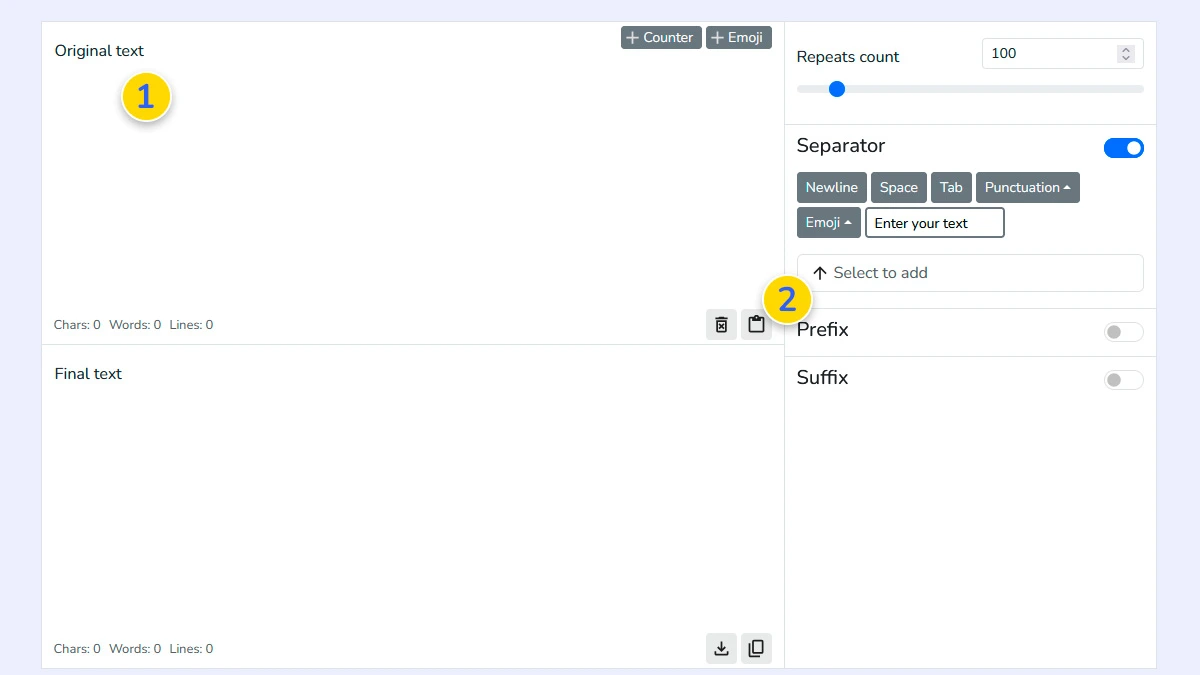
Enter or paste your text1
Input the specific word, phrase, or sentence you want to multiply into the source field 1 or paste your content using the paste button 2.
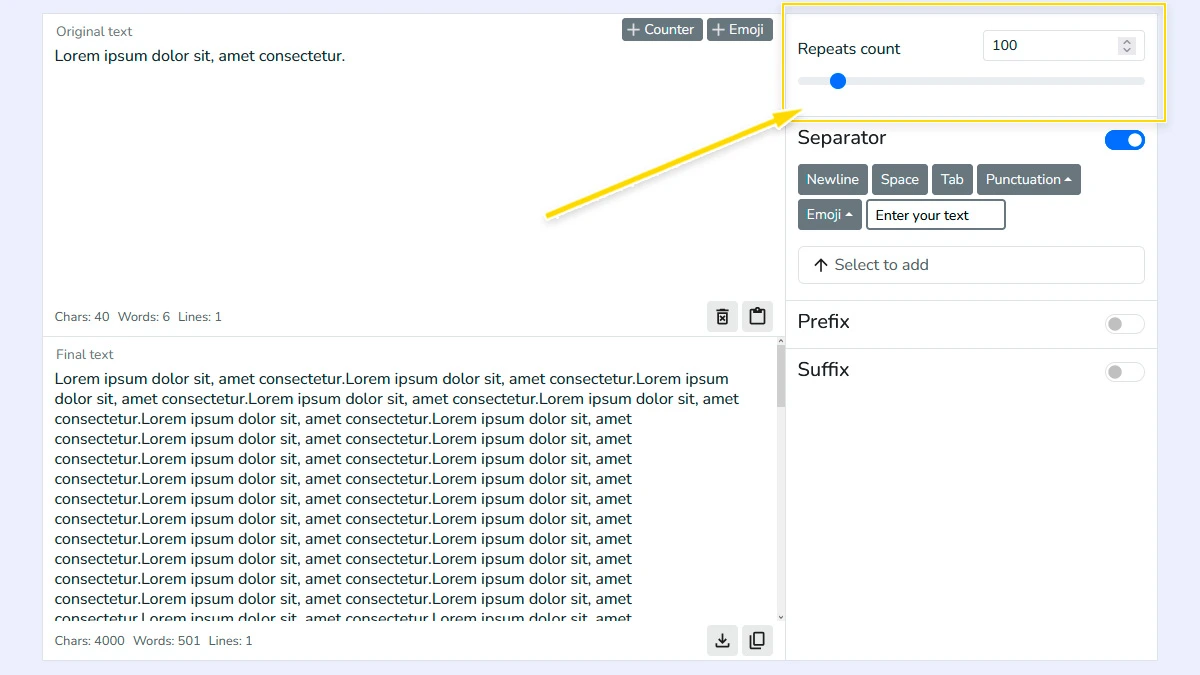
Set repeats count2
Choose how many times the text should be repeated using the slider or number input. The result updates in real time, so you can quickly adjust the exact amount you need.
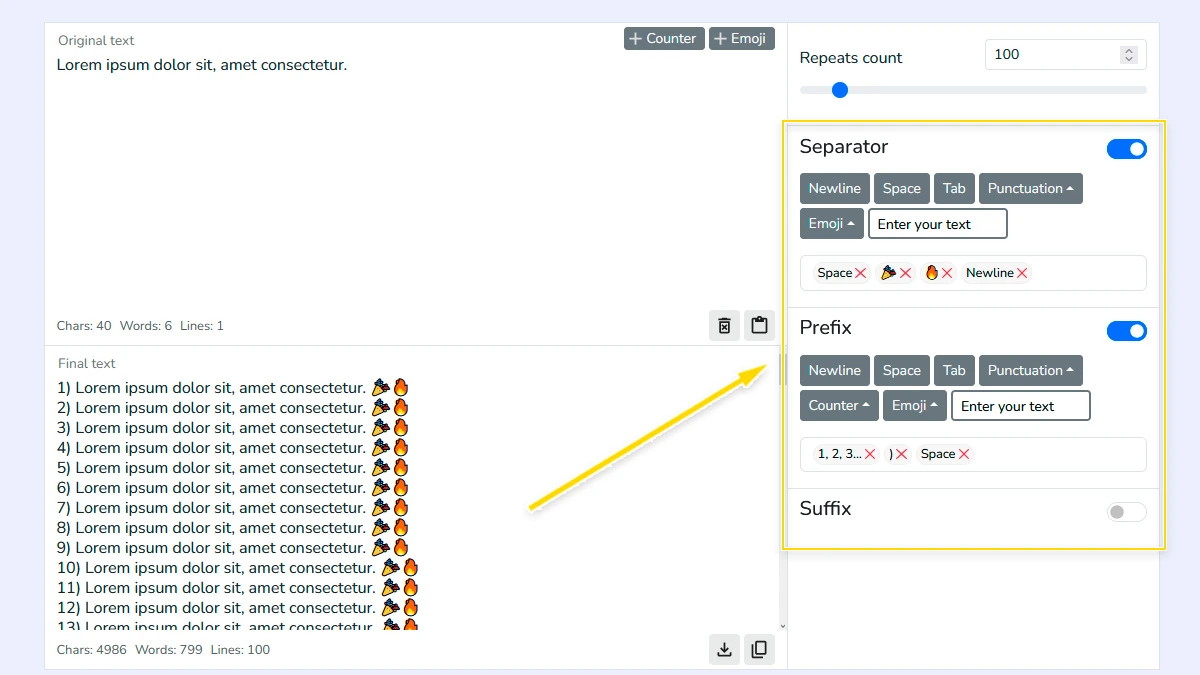
Add separator, prefix, suffix (Optional)3
Customize how repeated text looks by adding separators, prefixes, or suffixes. You can use spaces, new lines, counters, punctuation, or even emojis for flexible formatting.
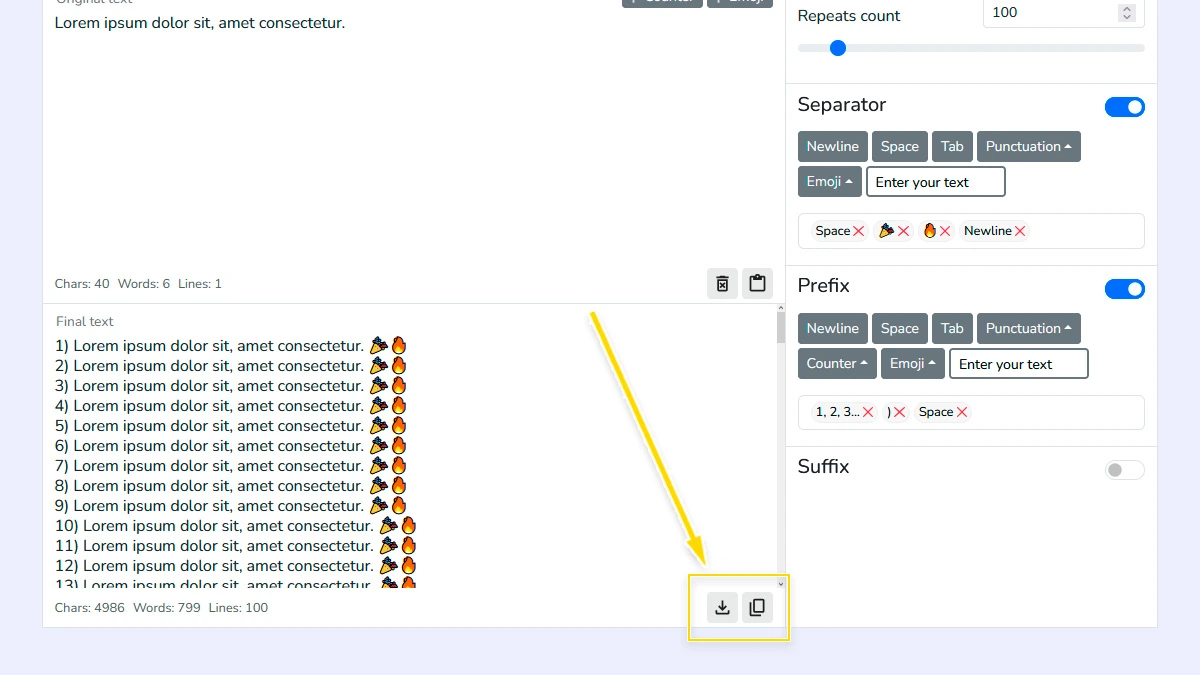
Copy or download the result4
Copy the generated text with one click or download it to your device. The final output is ready for use in messages, documents, or any other task.
FAQ
Is there a limit to how many times I can repeat text?
Technically no, but repeating text millions of times may slow down your browser. For most tasks, up to 10,000–50,000 repeats works perfectly.
Can I repeat emojis and special characters?
Yes, the tool fully supports Unicode, meaning you can repeat emojis, symbols, and non-Latin scripts without any issues.
Does the tool save the text I enter?
No. All processing happens locally in your browser. We do not store or see your data; it disappears as soon as you close the page.
How do I put each repetition on a new line?
Simply select the “New Line” option in the “Separator” settings.
Is this text repeater free to use?
Yes, the tool is 100% free with no registration or subscriptions required.
Can I use the generated text for WhatsApp or Telegram?
Absolutely. Just copy the result and paste it into any messaging app or social media platform.
Can I add numbering to each line?
Yes, you can use the counter option to automatically number each repeated line.
What separators can I use?
You can use spaces, new lines, tabs, punctuation, emoji or custom text as separators.