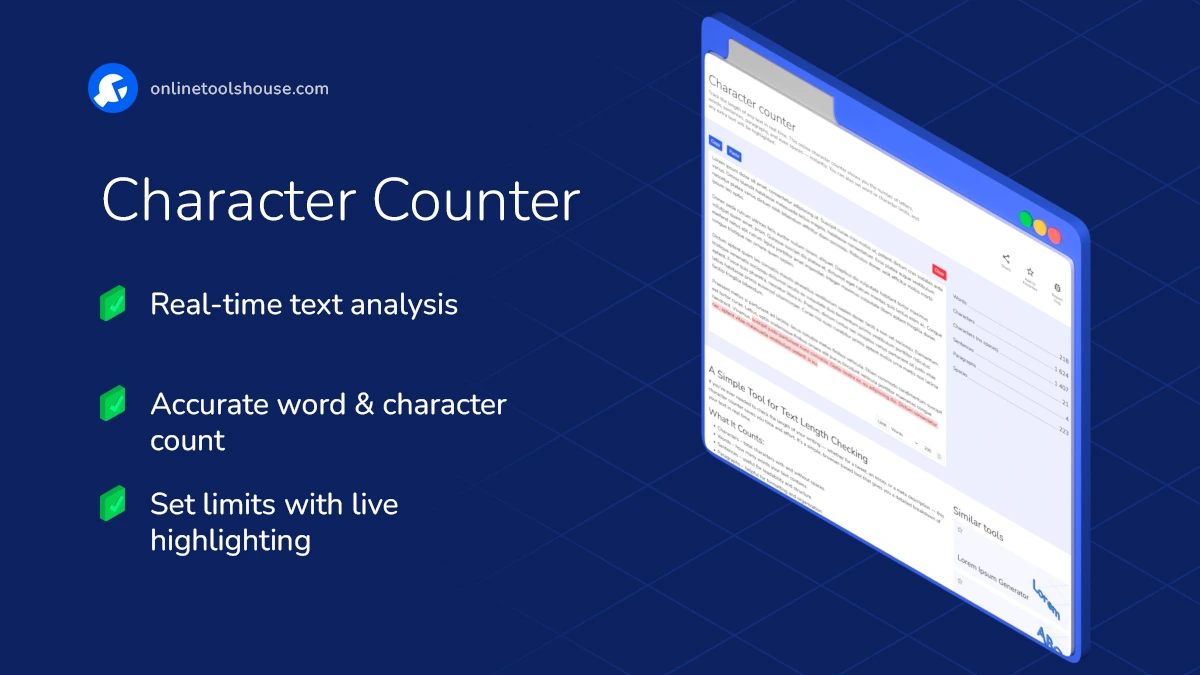
Character counter
Track the length of any text in real time. This online character counter shows you the number of letters, words, sentences, paragraphs, and even spaces - instantly. You can also set word or character limits, and any extra text will be highlighted.
A Simple Tool for Text Length Checking
If you've ever needed to check the length of your writing - whether for a tweet, an essay, or a meta description - this character counter saves you time and effort. It's a simple, browser-based tool that gives you a detailed breakdown of your text in real time.
What It Counts:
- Characters - total characters with and without spaces
- Words - how many words your text contains
- Sentences - useful for readability and structure
- Paragraphs - helpful for formatting and organization
- Spaces - sometimes needed for technical limits
Extra Features:
- Live preview - see results instantly as you type or paste
- Custom limits - set word or character limits and see overflow text highlighted
- Quick actions - buttons to paste, clear, or copy text in one click
How to Use the Character Counter
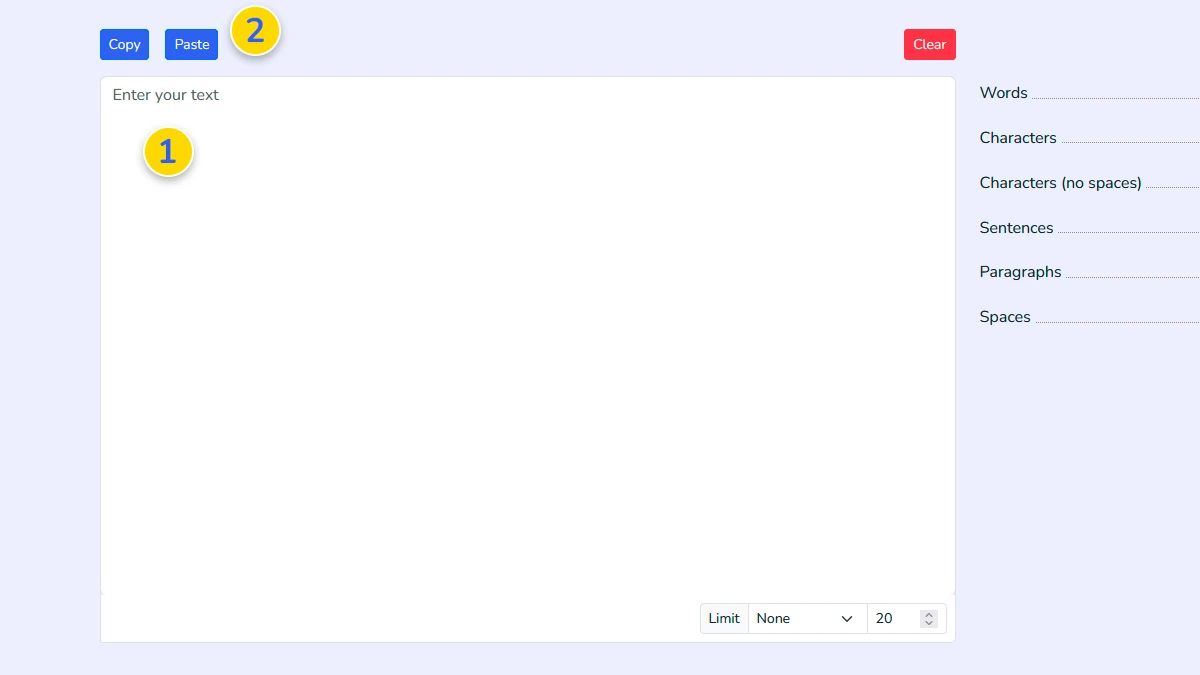
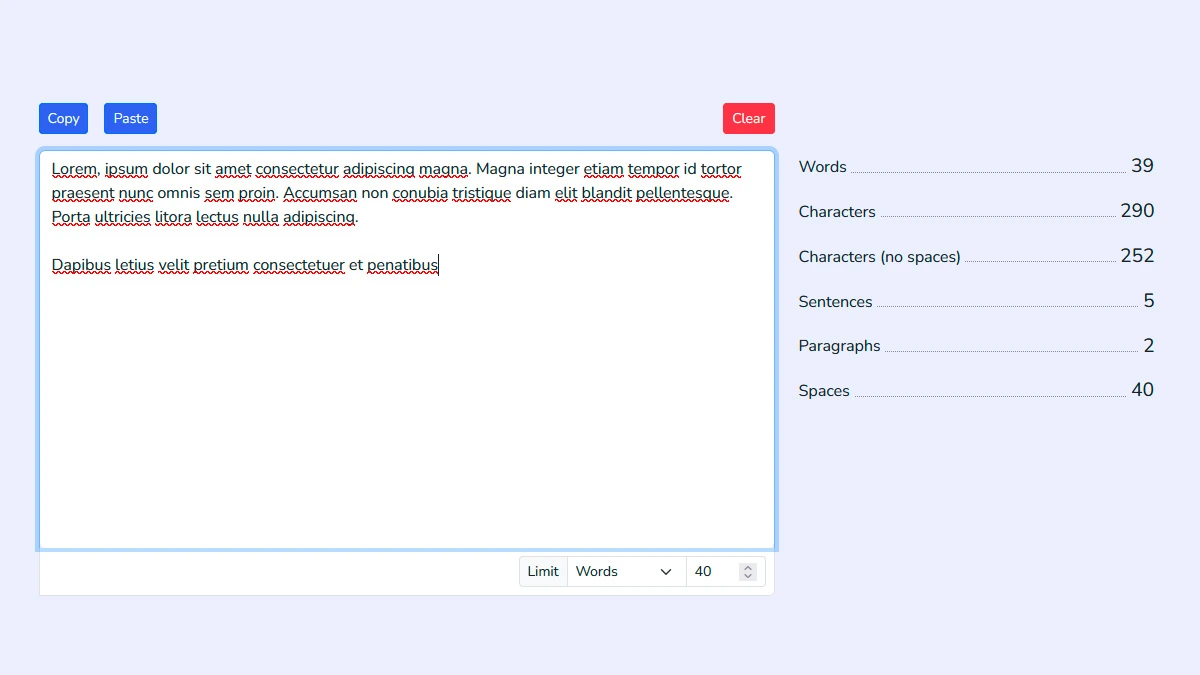
Enter or Paste Your Text1
Type directly into the text area 1 or paste your content using the paste button 2. The tool works instantly as you input text.
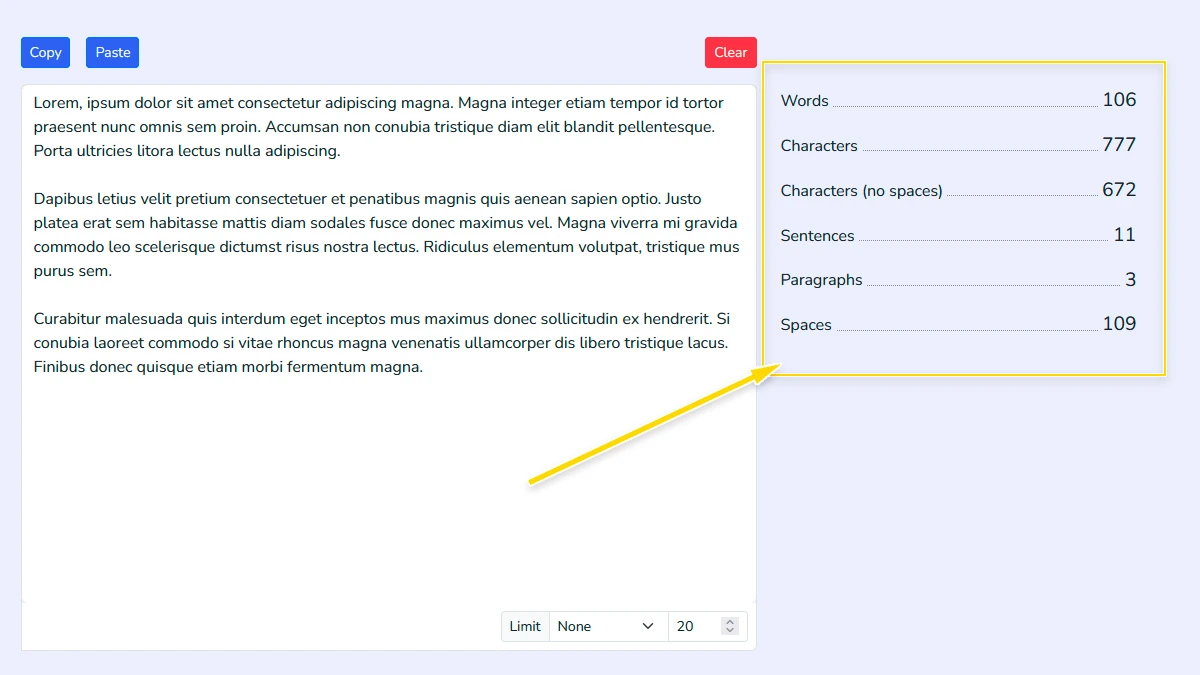
View Real-Time Statistics2
As you type, the tool automatically updates: Word count, Character count (with and without spaces), Sentences, Paragraphs.
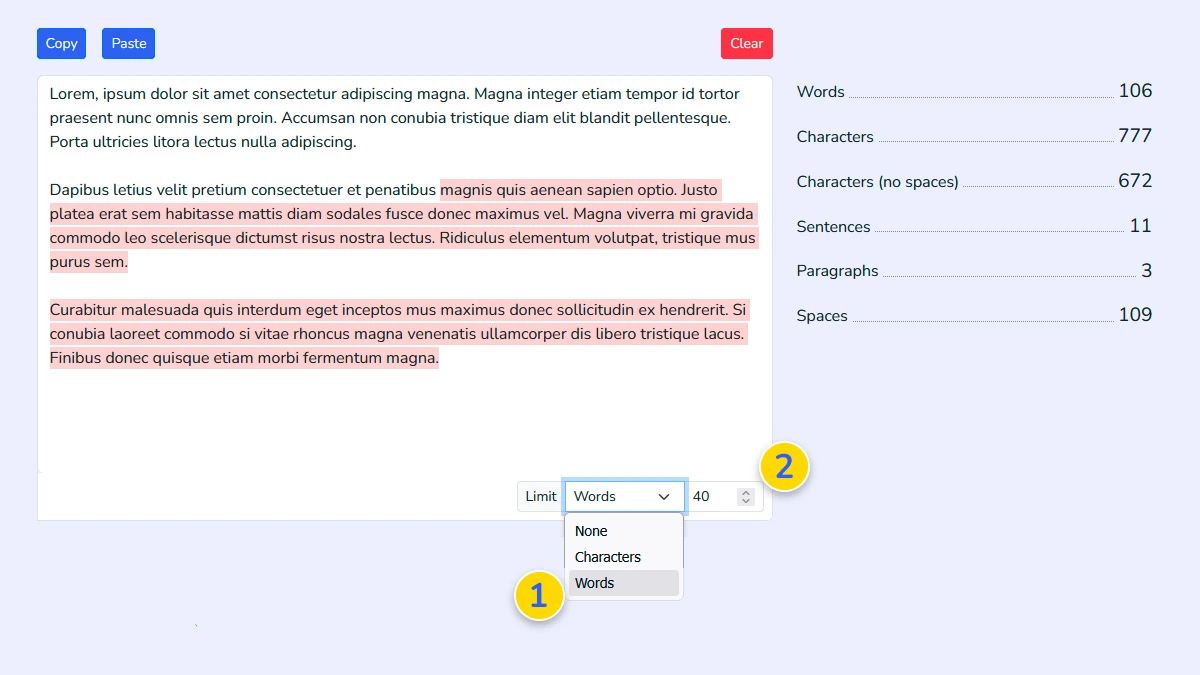
Set Limits (Optional)3
Choose a limit type (words or characters) 1 and define your desired value 2. The tool will highlight any text that exceeds the limit.
Edit and Optimize4
Use the live stats to adjust your text for: SEO descriptions, Social media posts, Essays or assignments.
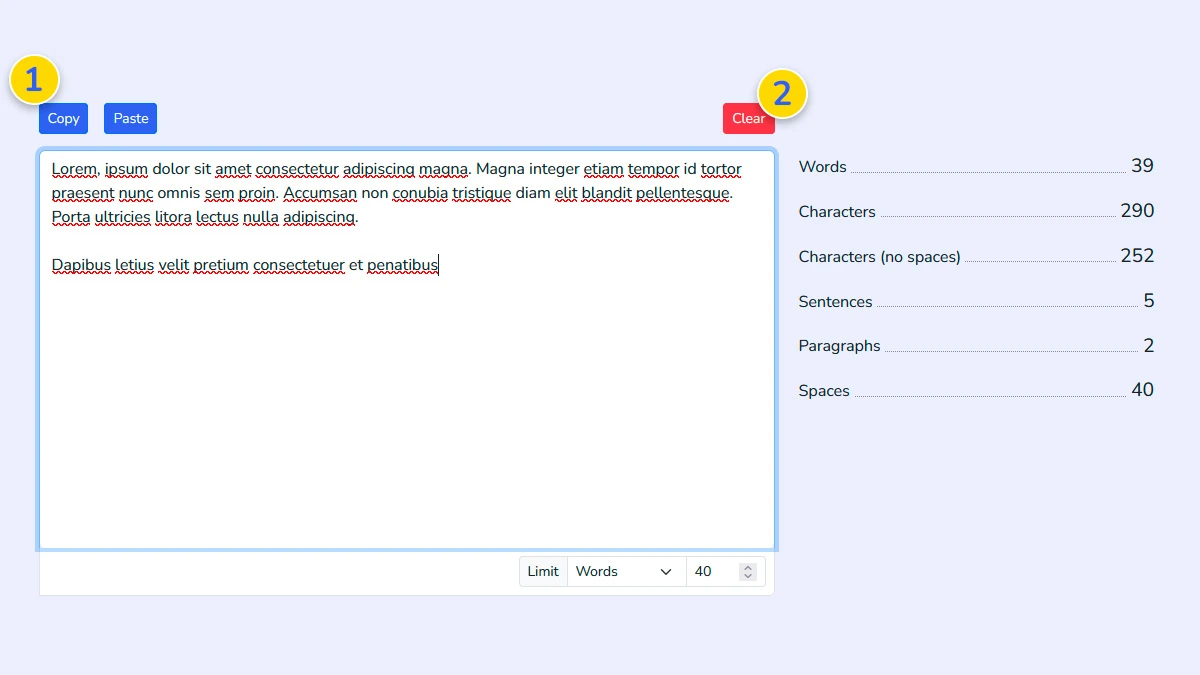
Copy or Clear Text5
Use quick actions to copy your text 1 or clear the editor and start over 2.
FAQ
Does my text get uploaded or stored?
No, your text is processed locally in your browser and is not uploaded or stored anywhere.
Is this character counter free to use?
Yes, the tool is completely free and works directly in your browser.
Can I set a word or character limit?
Yes, you can define limits and the tool will highlight text that exceeds them.
How many characters are allowed in a Tweet?
A Tweet on Twitter (X) can contain up to 280 characters. This includes spaces and punctuation.
What is the ideal length for a meta description?
The ideal meta description length is typically between 150 and 160 characters. Staying within this range helps ensure your text is fully visible in search results.