CSS Border Radius Generator
This online border-radius generator makes it easy to create rounded corners for your CSS blocks. You can adjust all four corners, switch to ellipse mode, and preview your styles live. No need to guess the values - just slide and copy!
Build Perfect Rounded Corners with Ease
If you’ve ever fiddled with border-radius values in your CSS and struggled to get things looking right - this tool is for you. Whether you're creating soft cards, pill buttons, or fully custom layouts, this visual generator simplifies the process and helps you design precise, beautiful curves in no time.
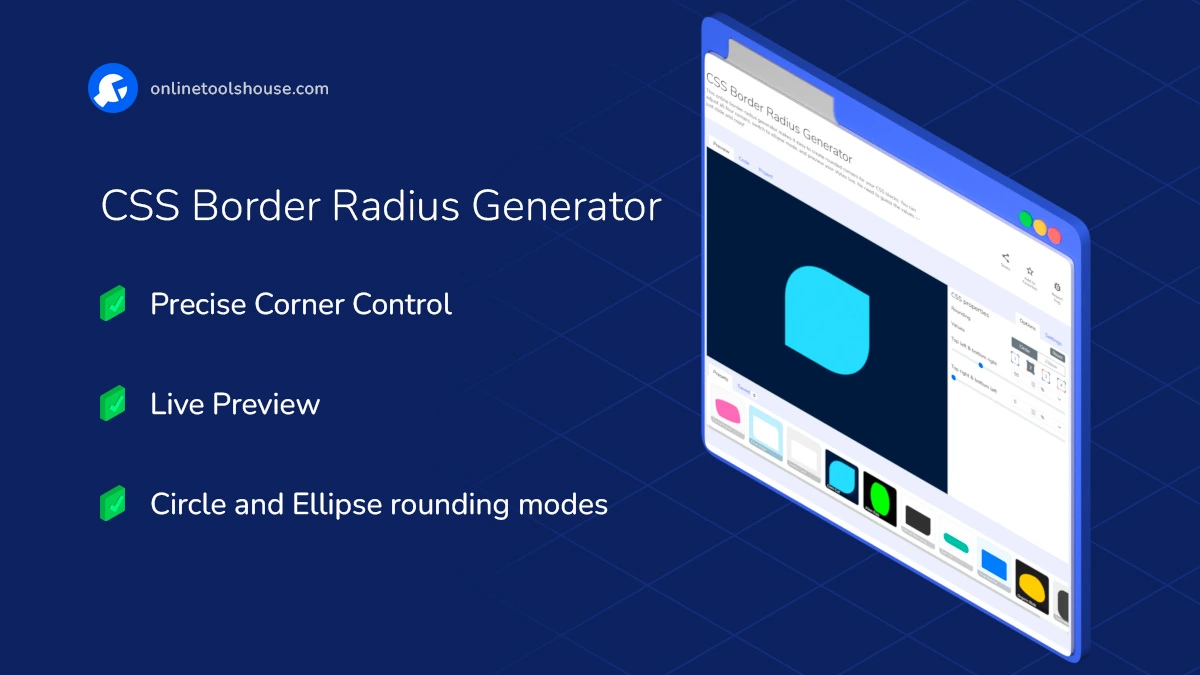
Features and Possibilities:
- Control Each Corner: Adjust top-left, top-right, bottom-left, and bottom-right independently or together.
- Ellipse Mode: Create elliptical curves by setting different horizontal and vertical radii.
- Real-Time Preview: See your design come to life instantly as you tweak values.
- Block Customization: Control block size, background for a realistic layout preview.
- Ready-Made Presets: Try fun and creative radius shapes to get started quickly.
- Visual Editor: Use intuitive sliders and inputs - no need to remember syntax.
- Save Your Work: Save configurations locally and come back to them later.
- Copy the Code: Get clean, valid CSS for your project with a single click.
How to Create CSS Border Radius Visually
You need to create organic shapes or perfectly rounded corners for your UI without manual coding. This visual generator allows you to tweak each corner and preview the result on any background. Just tweak values and copy the result into your project.
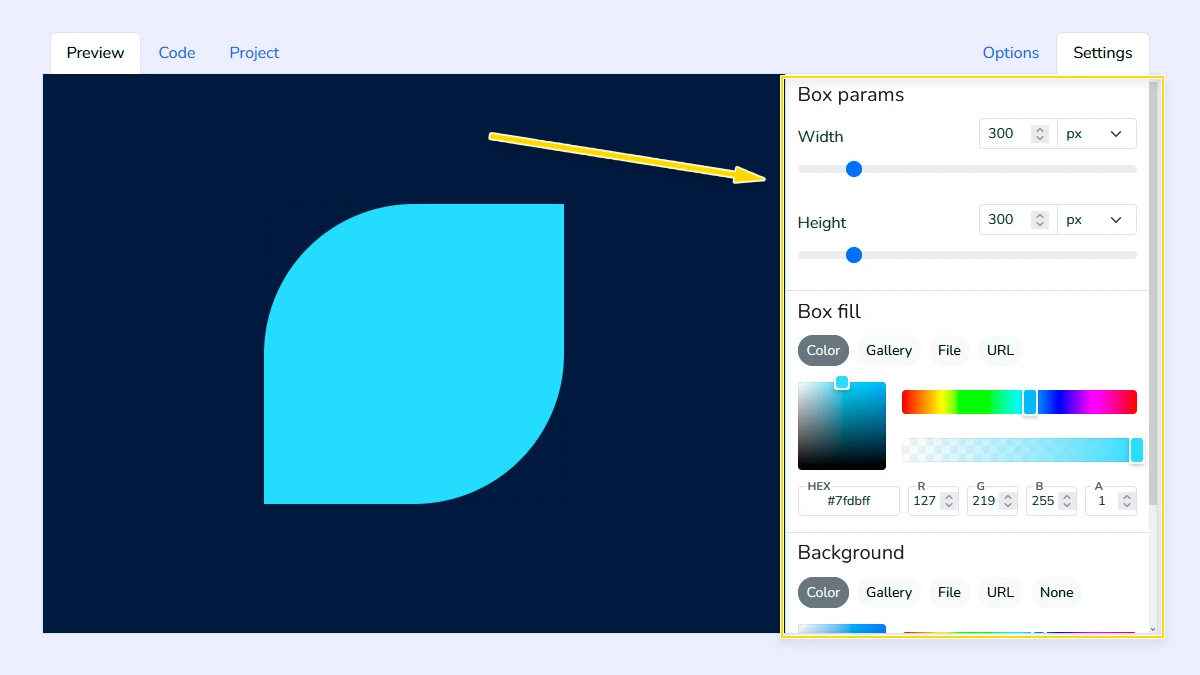
Customize Block & Background1
Open the "Settings" tab and configure the block size and background. You can set a color or upload an image from your device, URL, or gallery. Also adjust the background behind the block for better preview.
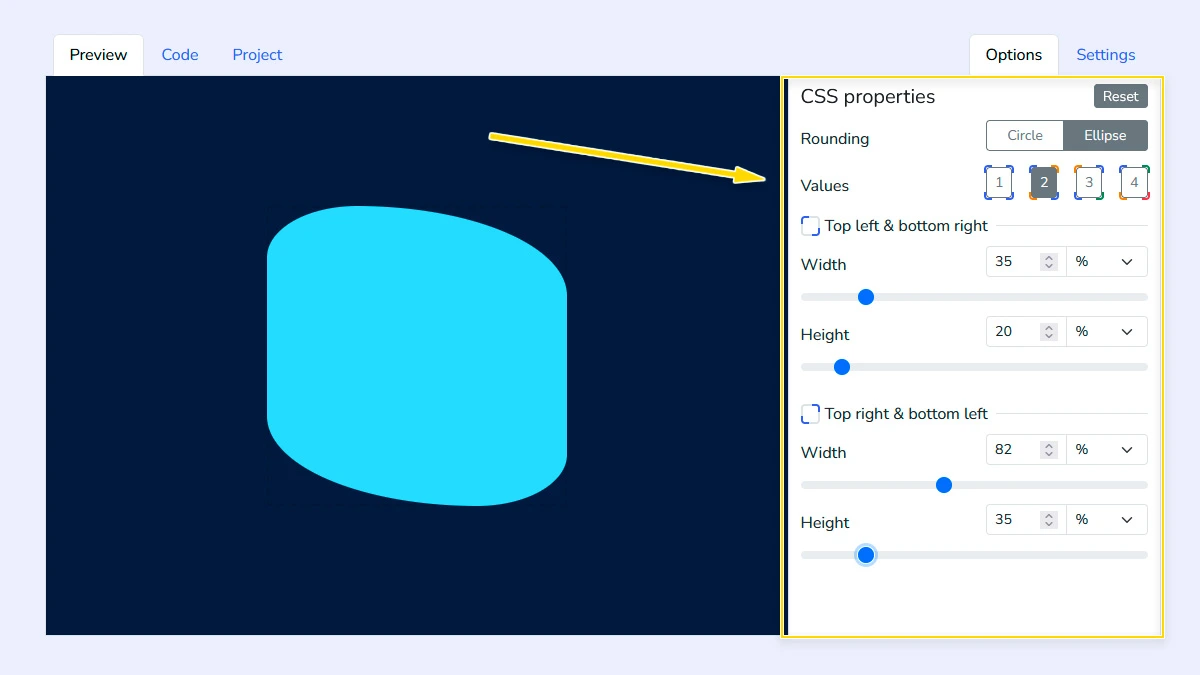
Adjust corners and rounding2
Choose between Circle or Ellipse modes and select how many corner values to control. Adjust each slider to fine-tune the radii for individual corners or pairs to achieve the desired organic shape.
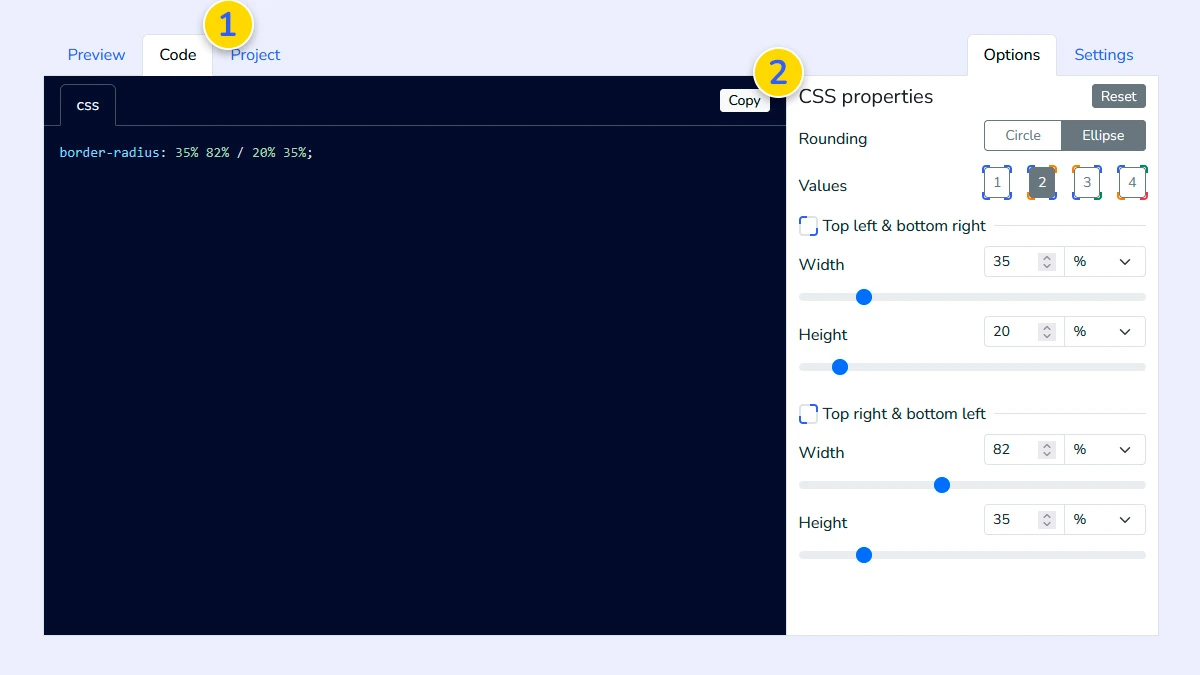
Get the CSS code3
Switch to the Code tab 1 to see the generated border-radius property for your shape. Simply click the copy button 2 to get the clean, production-ready CSS code.
Save your project (Optional)4
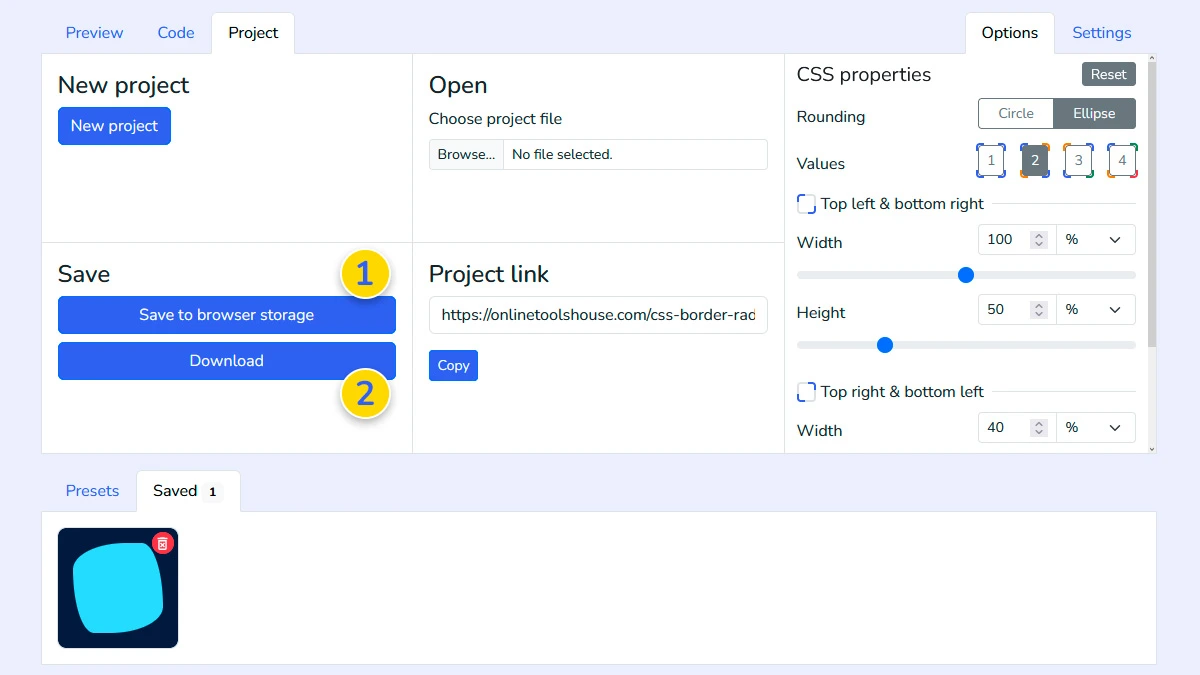
Use the Project tab to save your current configuration to the browser memory 1 or download it as a file 2. This allows you to reload and modify your border-radius designs later.
FAQ
What is the difference between Circle and Ellipse modes?
Circle mode uses a single radius per corner, while Ellipse allows you to set different horizontal and vertical radii for complex curves.
Can I control all four corners with a single slider?
Yes, set the number of values to 1 in the rounding settings to apply the same radius to all corners simultaneously.
How do I create a "blob" or organic shape?
Switch to Ellipse mode and use 4-value control to set unique horizontal and vertical radii for each corner.
Can I test my shape on a specific image?
Yes, in the Settings tab you can upload your own image or provide a link to see it inside the rounded block.
Is the CSS code ready to use?
Yes. The generated code is clean and production-ready.