CSS Gradient Generator
This CSS gradient generator helps you design complex layered backgrounds using all modern gradient types - linear, radial, conic, and repeating variants. Preview your design in real time and copy valid CSS instantly. Includes useful presets and the option to save your projects for later use.
Design Modern CSS Gradients Without Writing Code
Whether you're crafting a subtle background or an eye-catching layered effect, this online CSS gradient generator gives you full creative control. It's ideal for developers, designers, or anyone exploring CSS visuals.
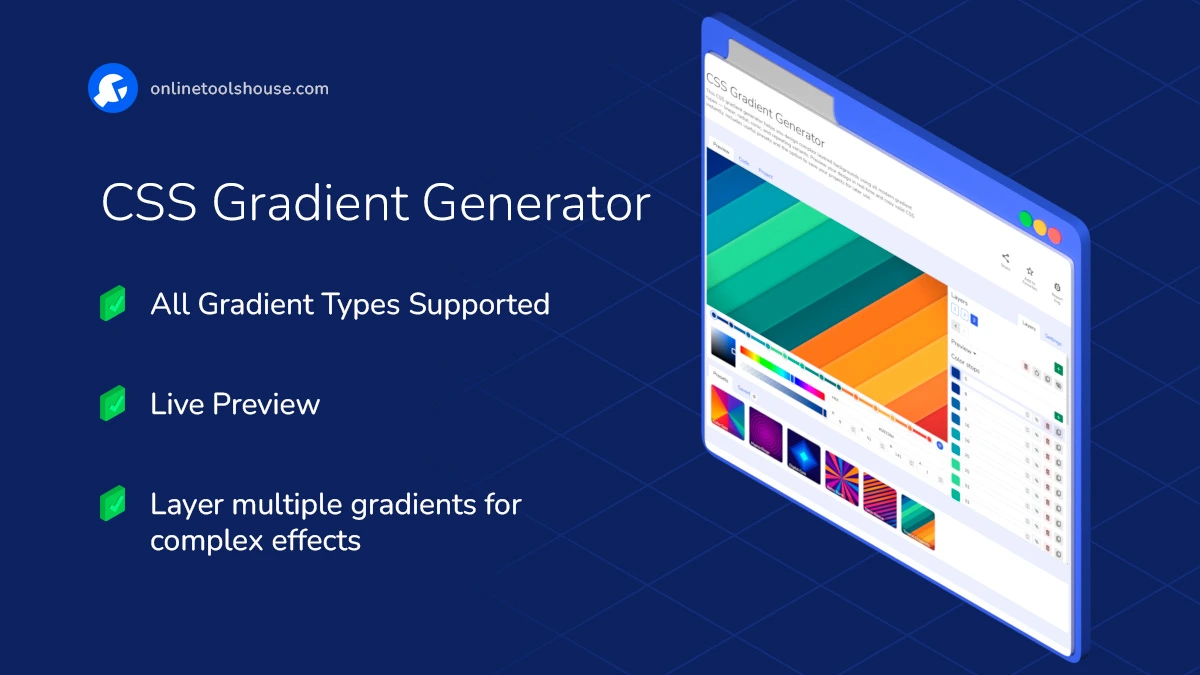
What You Can Do:
- Choose from Gradient Types: linear-gradient(), radial-gradient(), conic-gradient(), and their repeating versions.
- Add Multiple Layers: Stack gradients to build more depth and visual interest.
- Live Preview: See updates immediately as you tweak color stops, angles, and positions.
- Presets Included: Quickly start with bold, fun, or subtle gradients.
- User-Friendly Interface: Drag-and-drop controls, color pickers, sliders, and angle inputs make designing feel effortless - no need to write a single line of code.
- Save & Load Projects: Store settings locally or to a file. Reload them anytime in one click.
- Copy Valid CSS Instantly: Clean, standards-compliant code ready to paste into your stylesheets.
How to Create Layered CSS Gradients Visually
You want to design complex, modern backgrounds without writing dozens of lines of CSS code. This visual generator handles all gradient types, with real-time layering. Build your next unique background in seconds and grab the ready-to-use code.
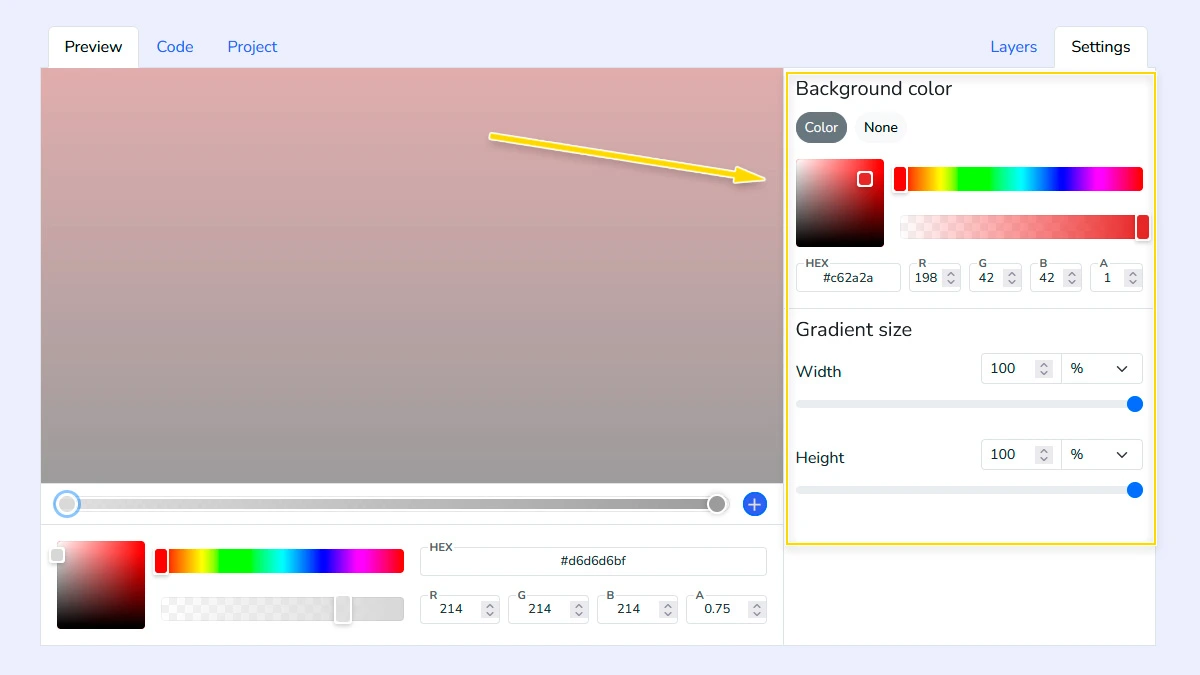
Configure background and block size1
Open the Settings tab to define the background color behind your gradient and set the block dimensions to match your layout's requirements exactly.
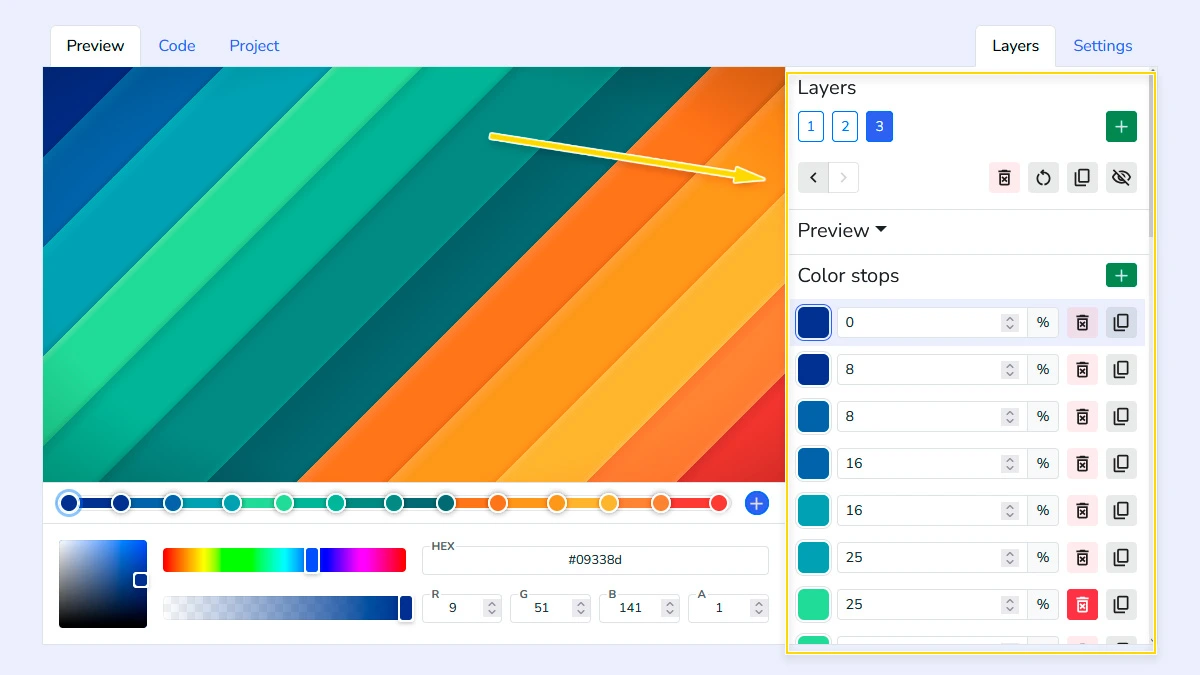
Build and customize layers2
Add, delete, or reorder layers in the Layers list; choose a gradient type (linear, radial, conic, or repeating) and fine-tune colors, stop positions, angles, and repeat modes.
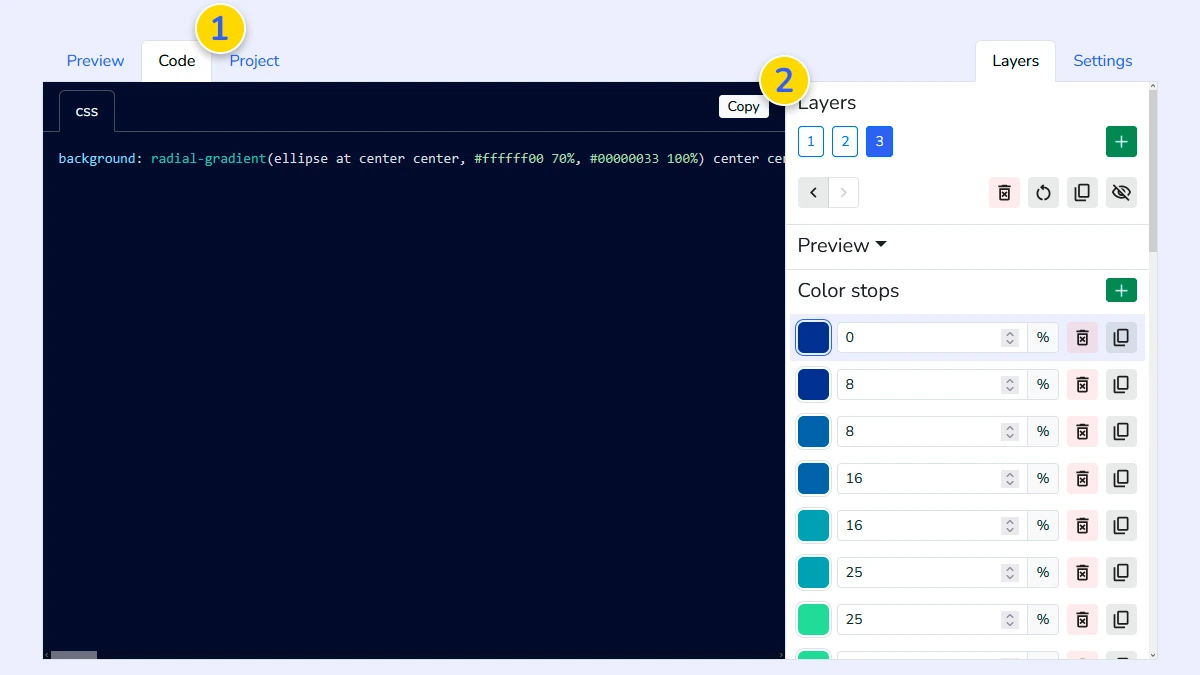
Copy CSS code3
Switch to the Code tab 1 to see the generated CSS syntax for your multi-layered background, then click the copy button 2 to integrate it directly into your project.
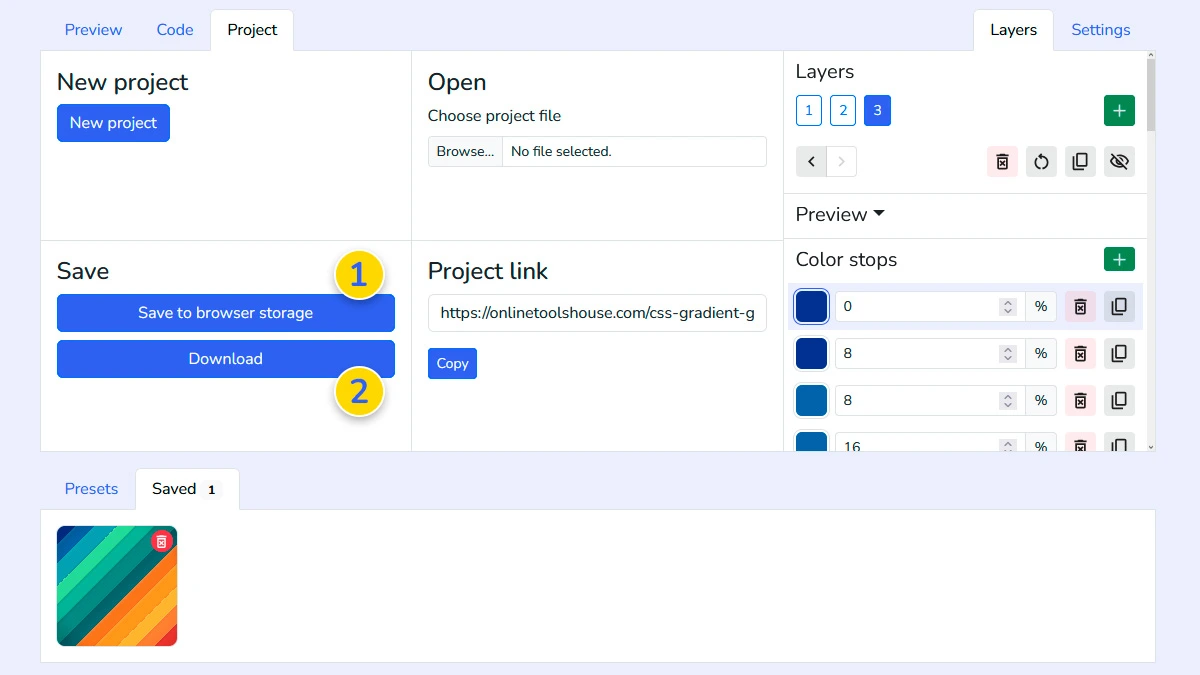
Save your project (Optional)4
Use the Project tab to save your design to browser storage 1 or download it as a file 2, ensuring you can reload and edit your gradient configuration at any time.
FAQ
Which gradient types are supported?
The generator supports linear, radial, conic gradients, and their repeating versions.
Can I stack different gradient types together?
Yes, you can add multiple layers and assign a different gradient type to each one.
Is the code compatible with all browsers?
Yes, it generates standard CSS syntax compatible with all modern browsers.