CSS Filter Generator
This online CSS Filter Generator lets you fine-tune visual effects like blur, brightness, contrast, hue rotation, and more. Adjust each filter in real time, see the result immediately, and copy the final CSS code with one click. You can upload your own image, use a gallery sample, or apply a background for better visualization. Save your settings locally and reuse them anytime.
An Intuitive Tool to Design and Preview CSS Filters
Whether you're polishing UI elements or experimenting with image styling, this tool makes working with CSS filters more visual and enjoyable. No more trial-and-error in code - just drag sliders, see results instantly, and grab the CSS when you're ready.
Available Filters:
blur()- soften the imagebrightness()- lighten or darkencontrast()- increase or decrease depthgrayscale()- remove colorhue-rotate()- shift color toneinvert()- flip light and darkopacity()- make elements transparentsaturate()- intensify colorssepia()- give it a vintage touch
Preview Your Changes
See how each effect looks in real time. Use your own image or one from the gallery. Even the background can be customized for better contrast and control.
Save & Reuse Your Work
Projects can be saved to local storage or downloaded - perfect for building filter libraries you’ll use again and again.
Built for developers and learners
Whether you're styling components or learning CSS filters from scratch, this tool saves time and sparks creativity.
How to Create CSS Filter Effects Online
You want to apply visual effects to an image using CSS filters. This tool lets you adjust filters visually and get clean CSS instantly. Just upload an image and tweak settings right in your browser.
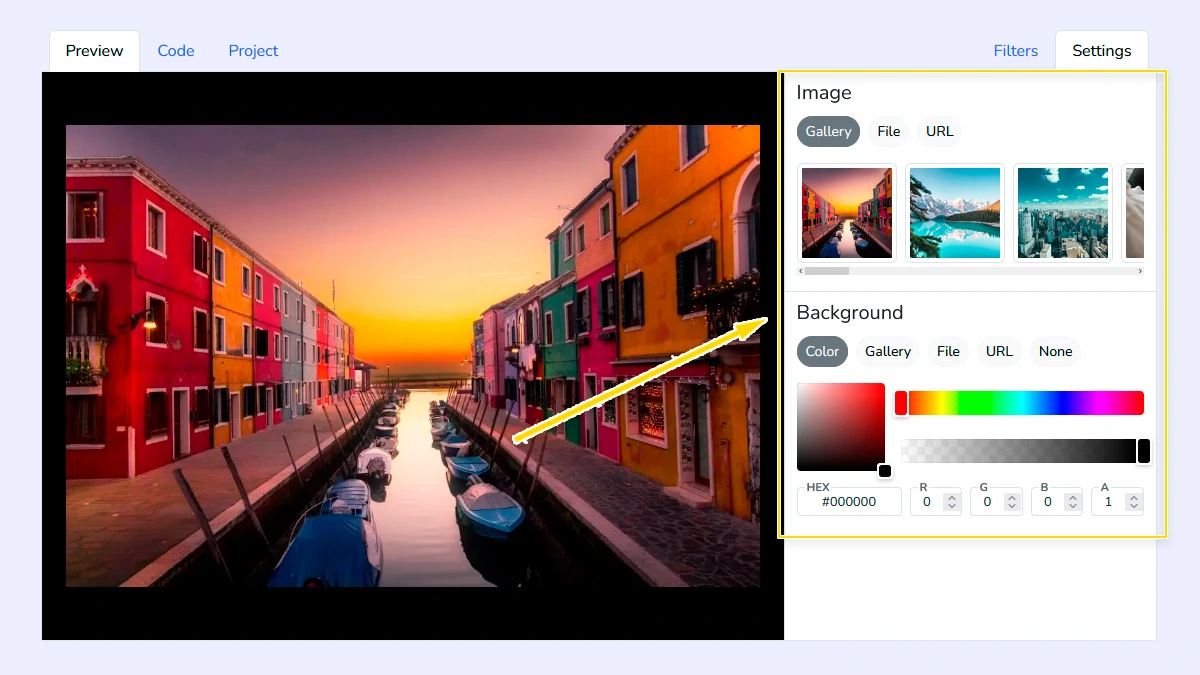
Choose image and background1
Go to the Settings tab to upload your own image, paste a URL, or pick a sample from the gallery. You can also customize the background color or upload a background image to see how filters look in different contexts.
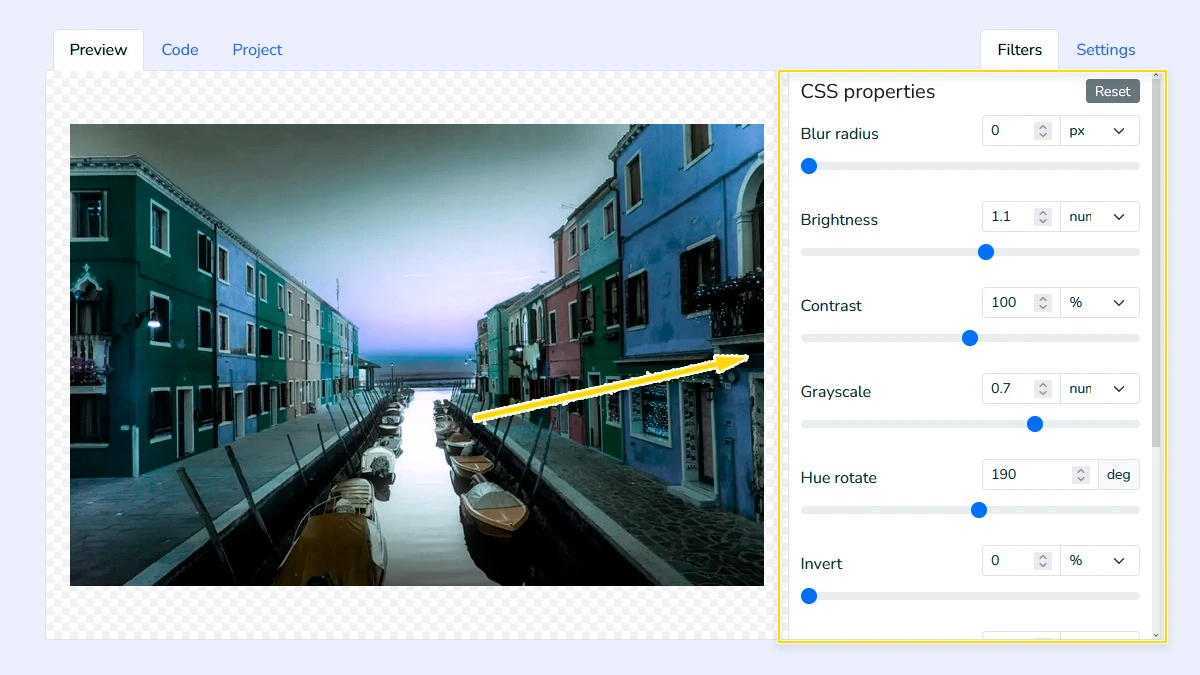
Adjust CSS Filters2
Use the sliders to fine-tune properties like blur, brightness, contrast, grayscale, and hue rotation. Every change is reflected in real-time on the preview image, allowing you to create the perfect visual style quickly.
Copy CSS Code3
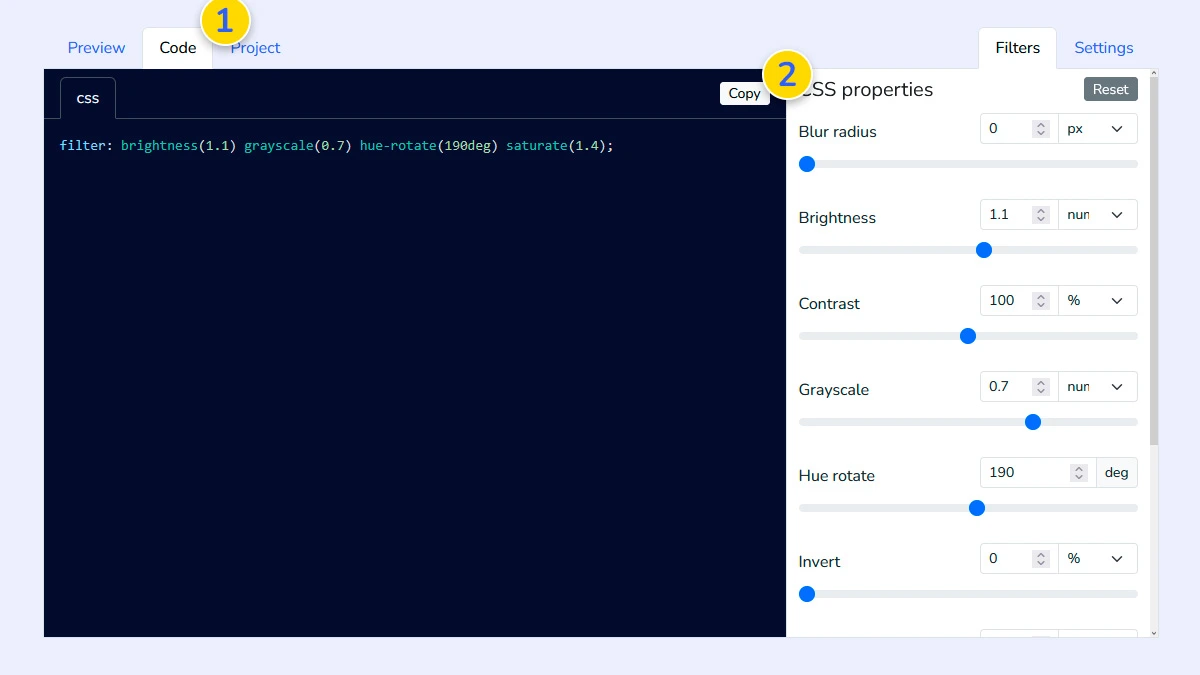
Open the "Code" tab 1 to see the generated CSS. The code is clean, formatted, and ready to use - just copy it 2 and paste into your project without any extra changes.
Save project (Optional)4
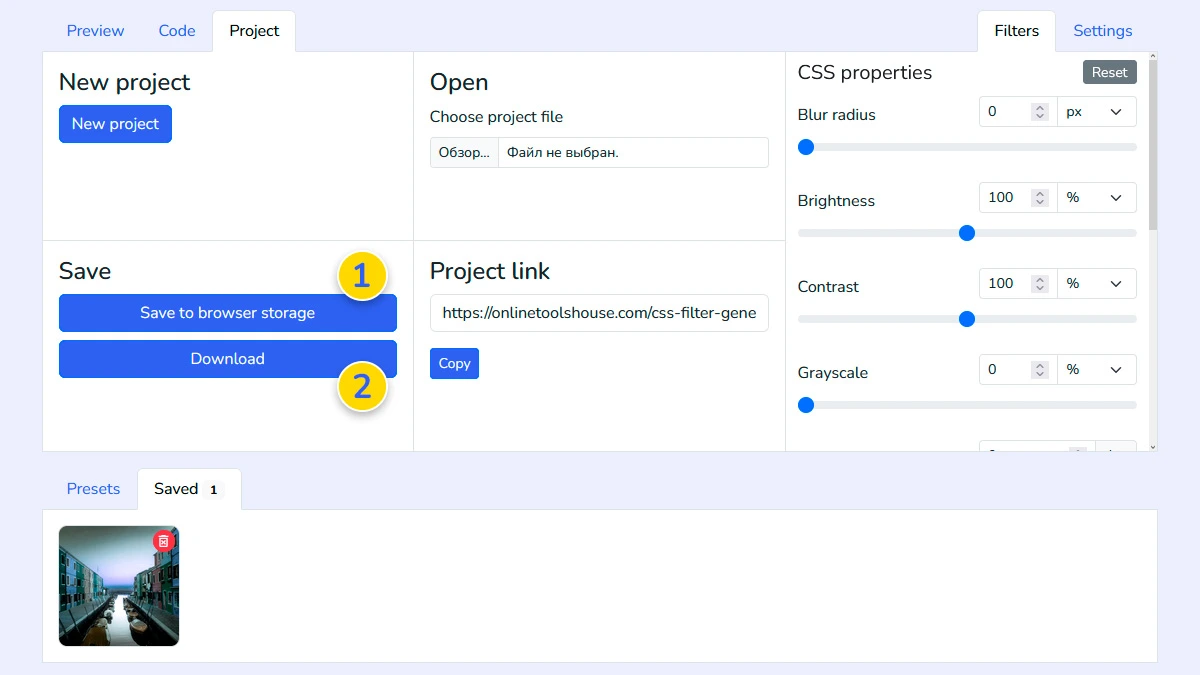
Visit the Project tab to save your settings to the browser memory 1 or download them to your computer 2 for later editing.
FAQ
Which filters are supported?
All standard CSS filters including blur, brightness, contrast, grayscale, hue-rotate, invert, opacity, saturate, and sepia.
Can I apply multiple filters together?
Yes. You can combine any number of filters to create complex visual effects, and the tool will generate the correct combined CSS string.
Can I use my own images?
Yes. You can upload a file, paste a link, or use gallery images.
Is my image uploaded to a server?
No. All processing happens in your browser locally. Your images stay private and are never sent to our server.
Does this tool support hover effects?
The tool generates the filter property values. You can easily wrap this code in a :hover pseudo-class in your own CSS.