Image Color Picker
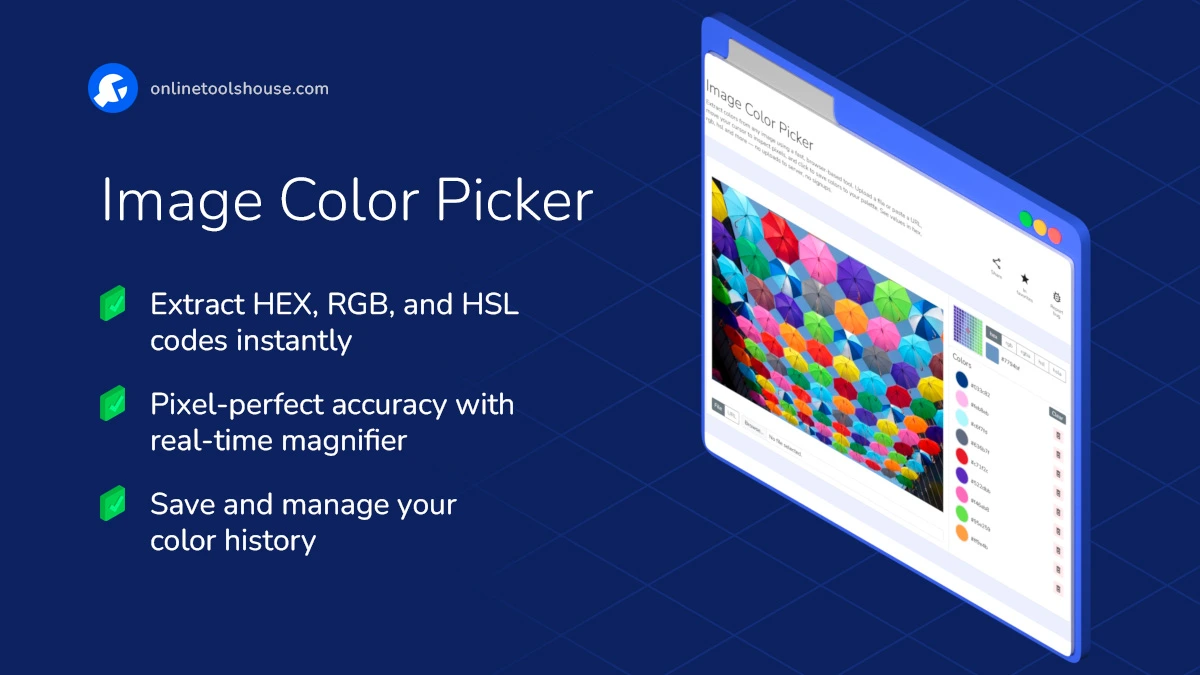
Extract colors from any image using a fast, browser-based tool. Upload a file or paste a URL, move your cursor to inspect pixels, and click to save colors to your palette. See values in hex, rgb, hsl and more - no uploads to server, no signups.
Pick Colors from Any Image, Instantly
Upload an image or paste a URL and explore its colors with pixel-level accuracy. Hover over the image to magnify details, click to save a color, and view it in multiple formats like HEX, RGB, HSL, and more. Everything runs in your browser - fast, private, and simple.
Key Features:
- Real-time Color Preview - As you move your cursor, a magnified view helps you pinpoint exact pixels.
- Supports Multiple Formats - HEX, RGB, RGBA, HSL, and HSLA - all copyable in one click.
- Upload or Link - Use local files or paste an image link from the web.
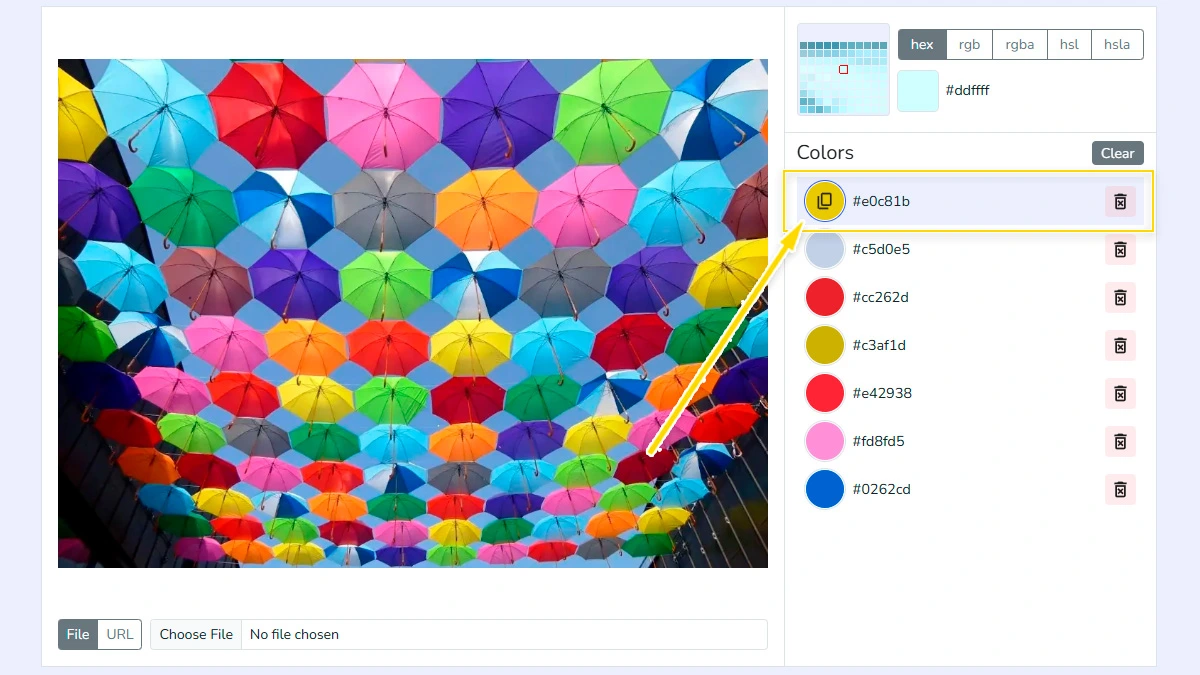
- Color History - Every clicked color is saved in a sidebar for quick reuse, copy, or removal.
- Privacy-first - Your image never leaves your device. No uploads, no tracking.
Whether you're a designer picking a palette, a developer grabbing consistent values, or just curious about a photo’s tones - this tool gets out of the way and helps you focus on the color.
How to Pick Colors from an Image Online
You may want to extract exact colors from an image. This tool lets you pick colors with pixel-level accuracy in your browser. Upload an image and grab colors in a few clicks.
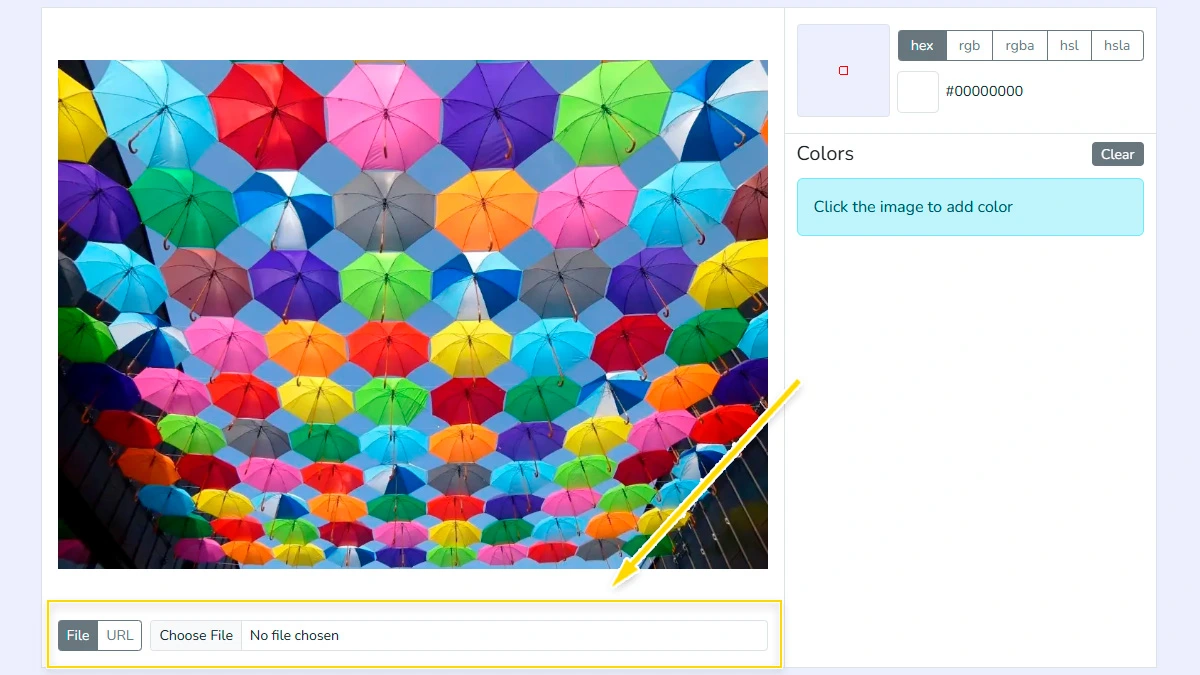
Upload image or paste URL1
Select an image from your device or paste a direct link. The tool loads it instantly and shows a preview so you can start picking colors without delays or extra steps.
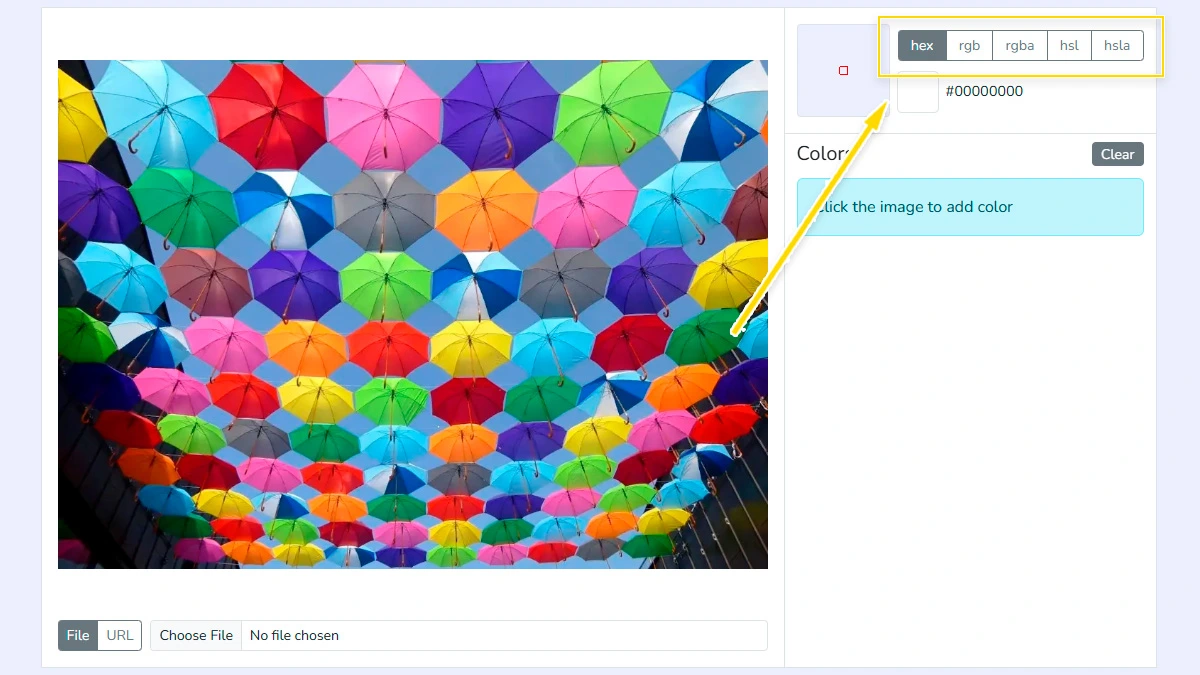
Select color format2
Choose your preferred output format among HEX, RGB, RGBA, HSL, or HSLA. You can easily switch between formats at any time to match your specific coding or design requirements.
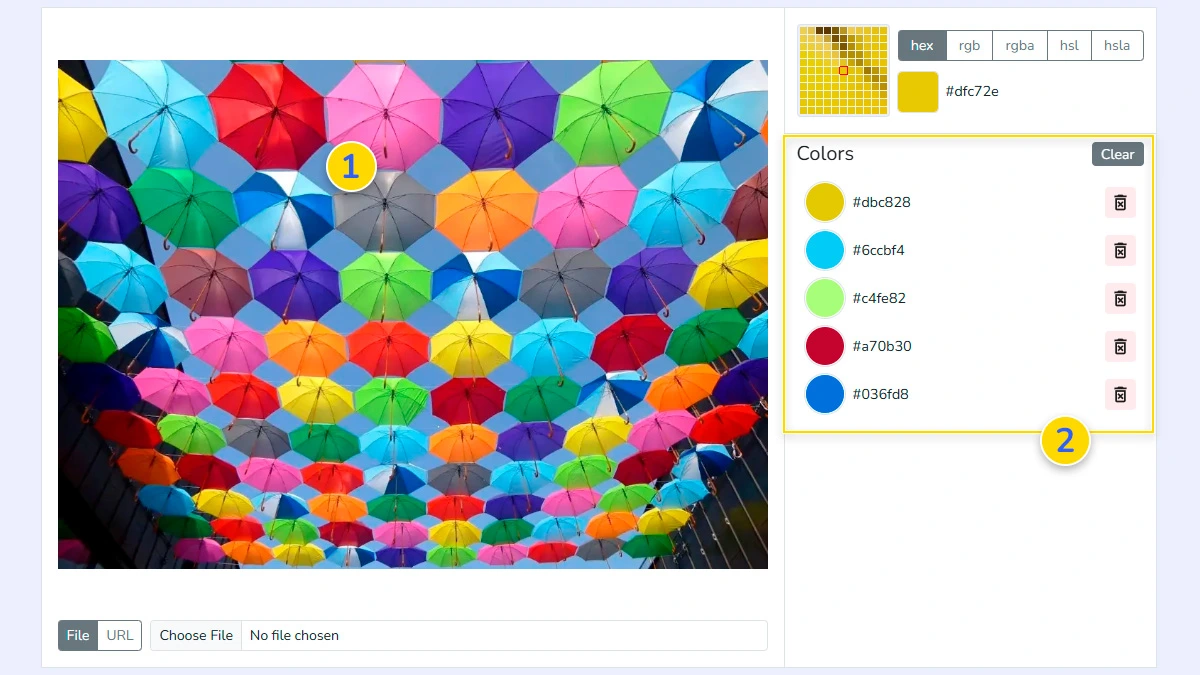
Hover and click to pick color3
Move your cursor over the image using the built-in magnifier to find the exact pixel. Click on the desired area 1, and the color will be automatically added to your history list 2.
Copy color values4
Click on any saved color in the list to copy its value instantly. You can now paste the precise value directly into your CSS, HTML, or design software.
FAQ
Which color formats are supported?
We support HEX, RGB, RGBA, HSL, and HSLA. You can switch between them and copy any value with a single click.
Is my privacy protected when using this tool?
Absolutely. No images are uploaded to our server. All processing happens entirely within your browser, so your files stay local and secure.
Can I pick colors from an image URL?
Yes, you can paste a direct link to any image file (JPG, PNG, WebP) and the tool will load it for color extraction immediately.
How accurate is the color picking?
Our tool offers pixel-level accuracy. The built-in magnifier allows you to inspect and select every single pixel of your image.
Is there a limit on the image size?
There is no strict limit, but very large high-resolution images might temporarily use more browser memory during processing.
Can I pick multiple colors?
Yes, each selected color is saved in a list for reuse.