Photo Censor
Easily censor images online - blur, pixelate, or cover any part of a photo. Upload or paste a link, choose intensity and area, and download the result in JPG, PNG, or WEBP. Everything happens locally in your browser.
Censor photos easily - your way, right in the browser
Need to hide faces, personal data, or any private details? This tool makes it quick and effortless. You can upload an image from your device or paste a direct link.
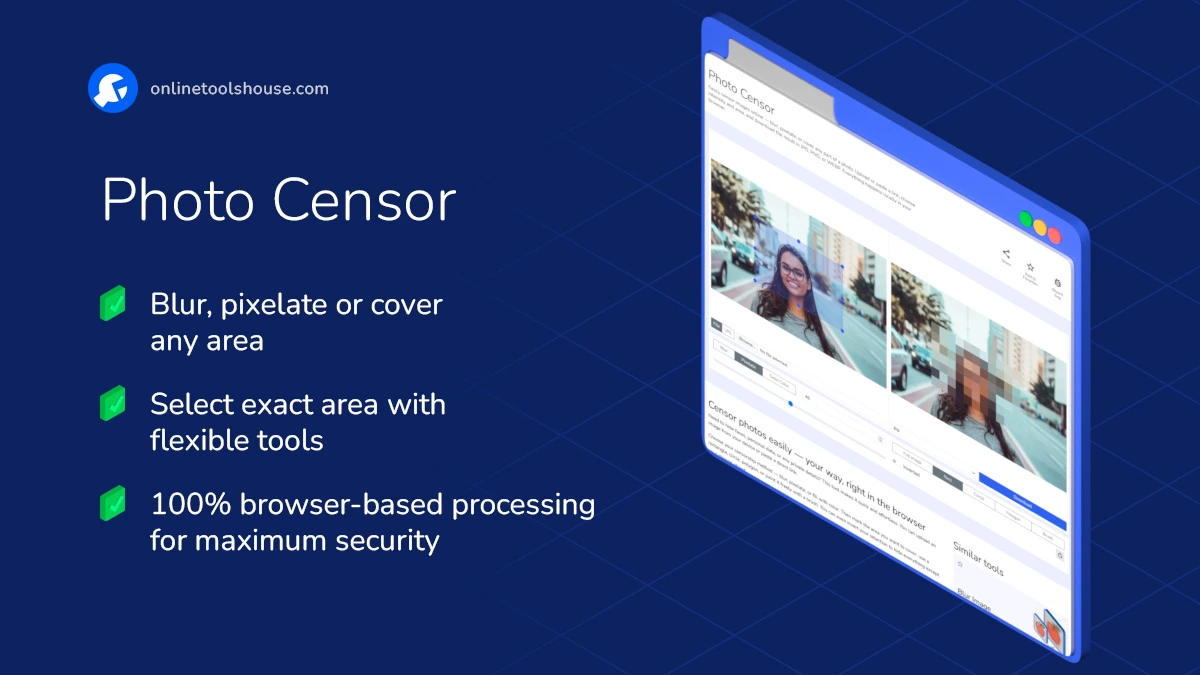
Choose your censorship method - blur, pixelate, or fill with color. Then mark the area you want to cover: use a rectangle, circle, polygon, or paint it freely with a brush. You can even invert your selection to hide everything except your chosen object.
All processing happens locally, keeping your images private and secure. No uploads, no watermarks, no sign-ups - just fast, flexible photo censoring that works right in your browser.
Download the final result in your preferred format: JPG, PNG, or WEBP. Perfect for journalists, teachers, developers, and anyone who needs to quickly protect sensitive visuals without installing extra software.
How to Censor Photo Online Safely
You may want to hide faces or sensitive parts of a photo. This tool lets you censor any area using blur, pixelation, or color fill. Just upload your image and apply the effect in a few clicks.
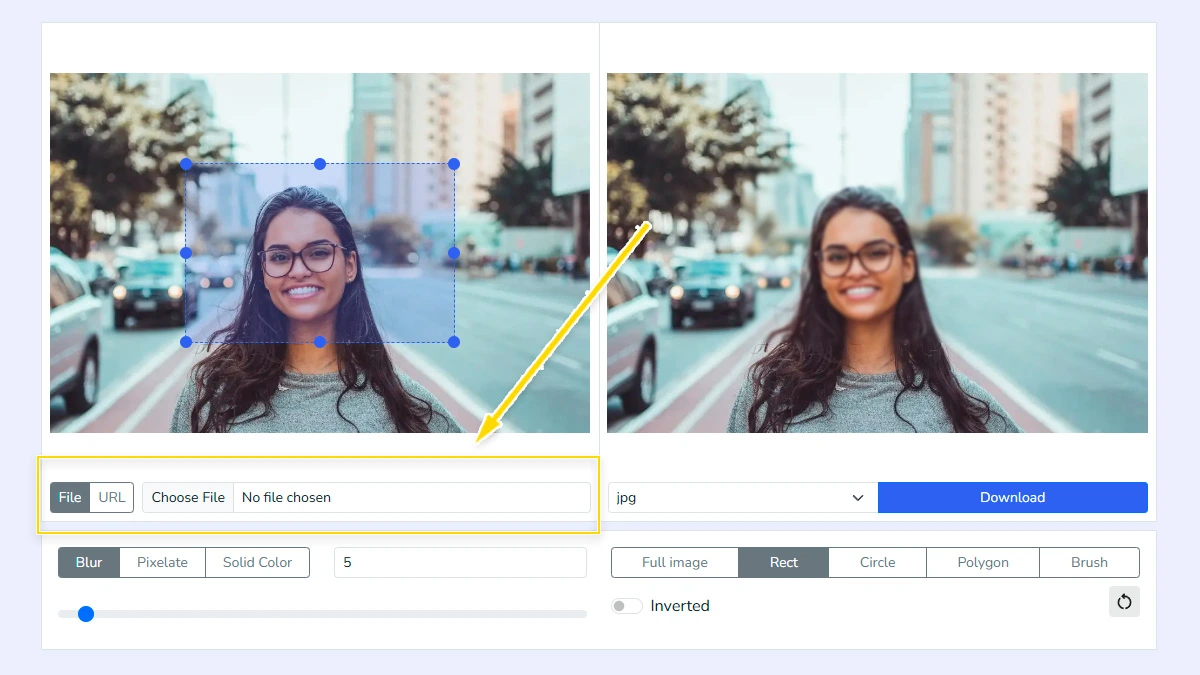
Select your image1
Select an image from your device or paste a direct link. The tool loads it instantly and shows a preview, so you can start editing right away without installing anything.
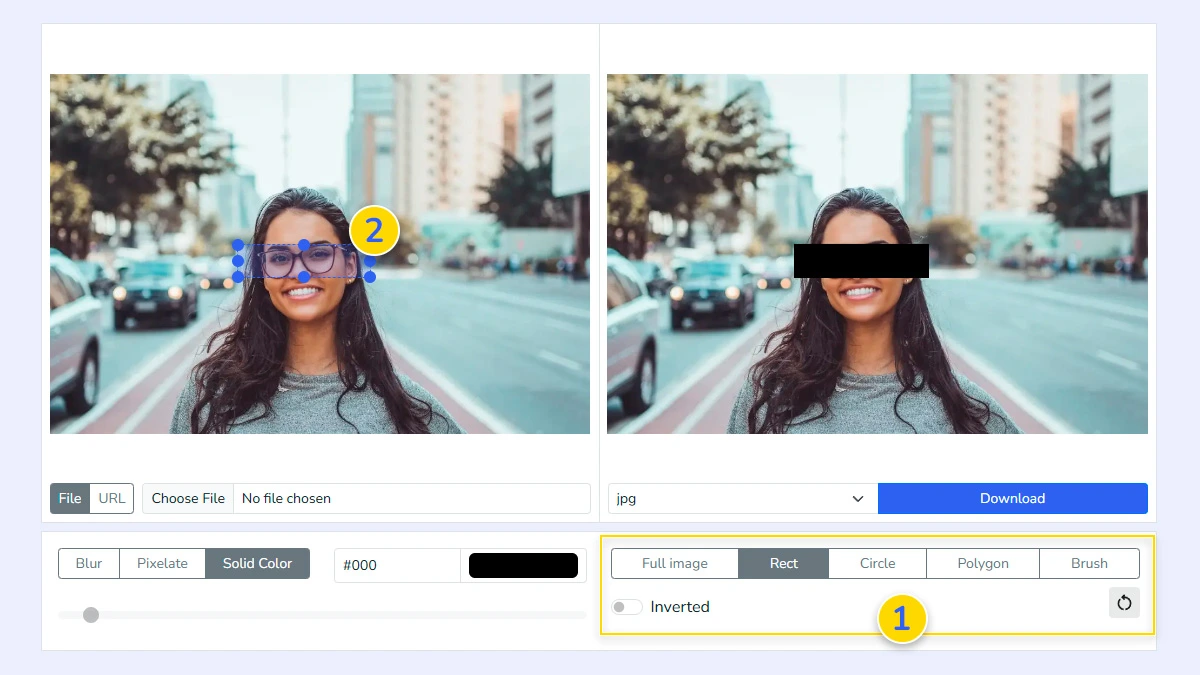
Choose area to censor2
Choose how you want to apply the effect: full image, rectangle, circle, polygon, or brush 1. Use your mouse to highlight the specific part of the image you want to hide 2. You can easily select faces, license plates, or any other private details that need censoring.
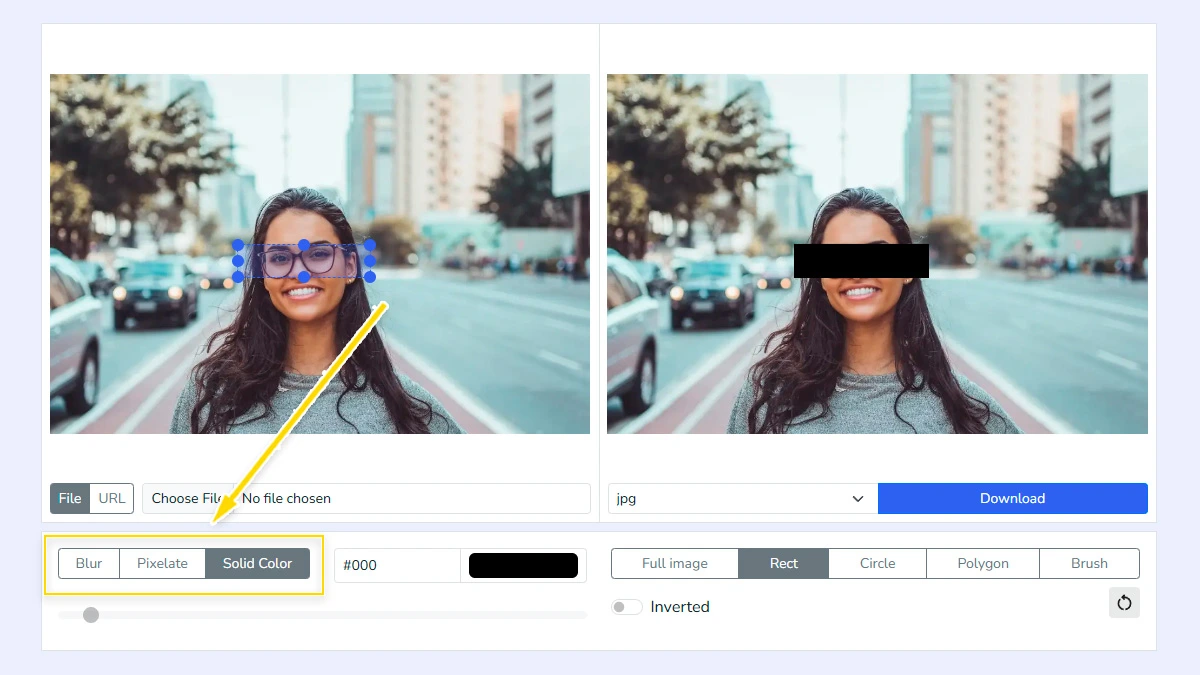
Pick censoring method3
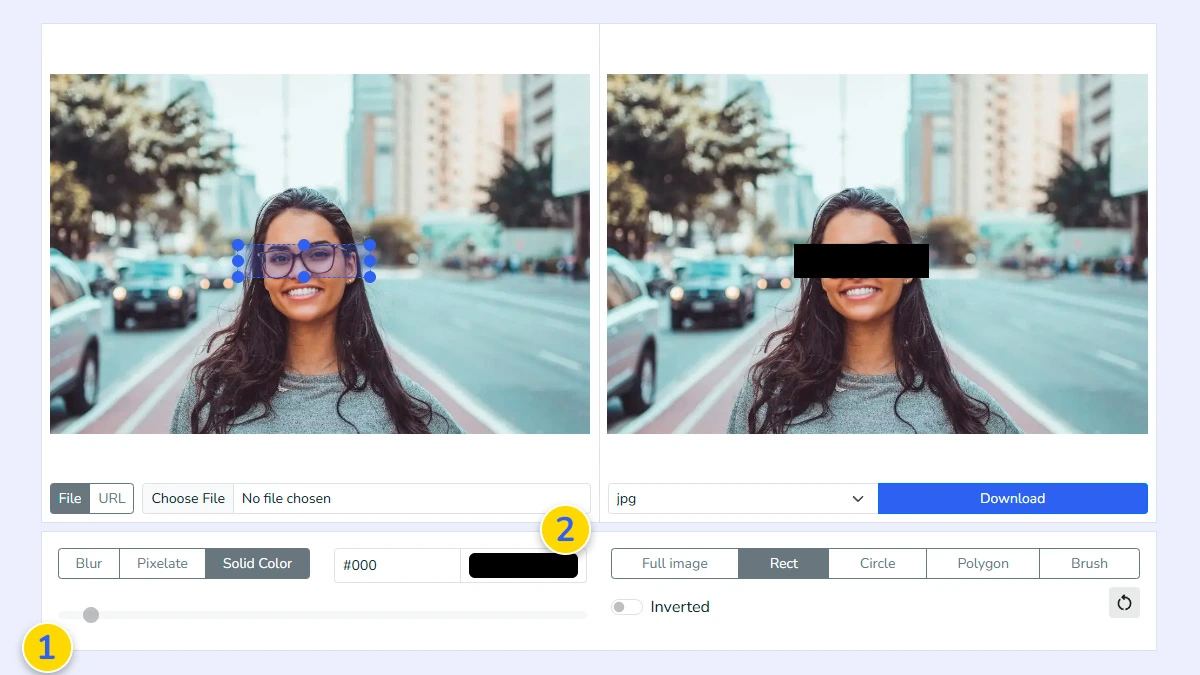
Select one of the three available options: 'Blur' for smooth obscuring, 'Pixelate' for block effect, or 'Color Fill' to completely hide the area with a solid color box.
Adjust intensity or color4
Adjust the slider to set the intensity of the blur or pixelation effect until the content is sufficiently unreadable 1. If you chose 'Color Fill', select the desired color from the built-in color picker 2.
Choose format and download5
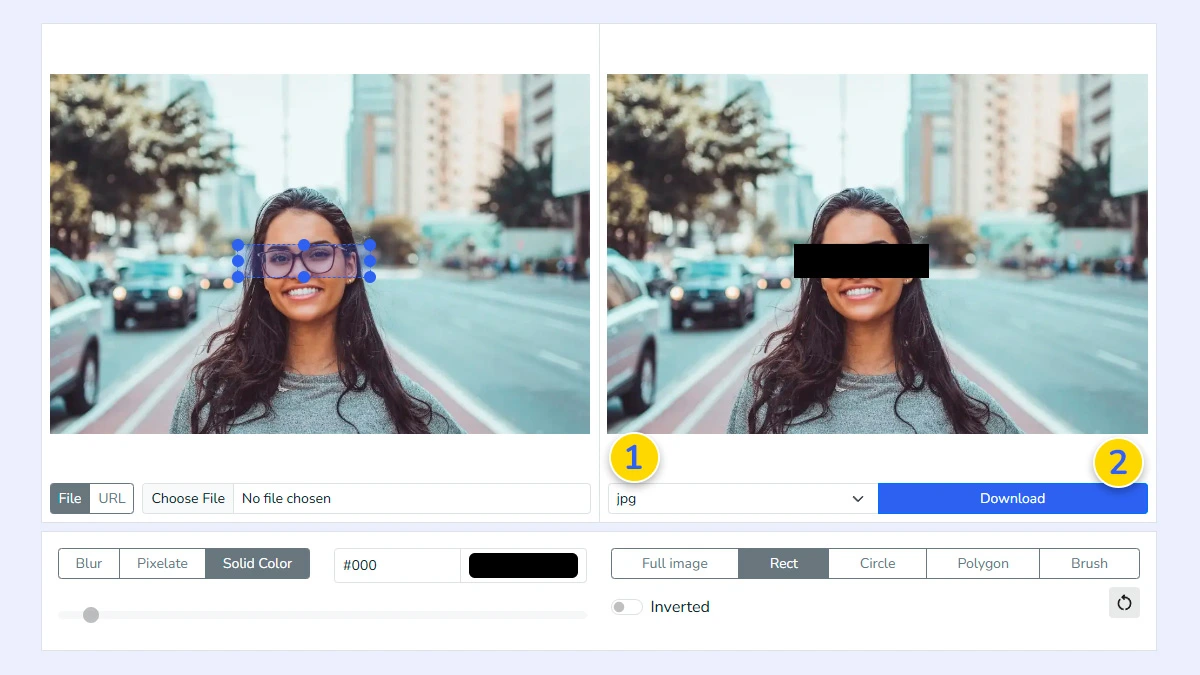
Select the output format 1 such as JPG, PNG, or WEBP and click download 2. The processed image is saved instantly and ready to use or share.
FAQ
Is this tool safe for sensitive photos?
Yes. All processing occurs locally in your browser. Images are never uploaded to our servers, keeping your data secure.
Can I undo censorship after saving?
No. Once downloaded, the effect is permanent. The visual information is destroyed to ensure privacy. Always keep your originals.
Can I censor multiple faces in one photo?
Absolutely. You can add as many censored areas as needed across the entire image with brush.
Which photo formats are supported?
We support common web formats including JPG, PNG, and WebP. Transparency is maintained if the original format supports it.
Does this free tool add watermarks?
No, this is a clean tool. No watermarks are added to your processed images, and the service is completely free.
Which censorship method is most secure?
'Color Fill' completely replaces the area with a solid color, offering maximum security. High-intensity 'Blur' or 'Pixelate' are also highly effective.