Pixelate Image
Easily pixelate images right in your browser. Upload or paste a photo link, choose the pixelation area and size, and export the result. No need to install anything - it works instantly and supports JPG, PNG, and WEBP.
Pixelate images the way you want - quickly and without installing anything
Whether you're trying to hide a face in a photo, censor personal information, or just add a pixelated effect - this tool helps you do it in a few clicks. You can upload an image from your device or paste a direct link.
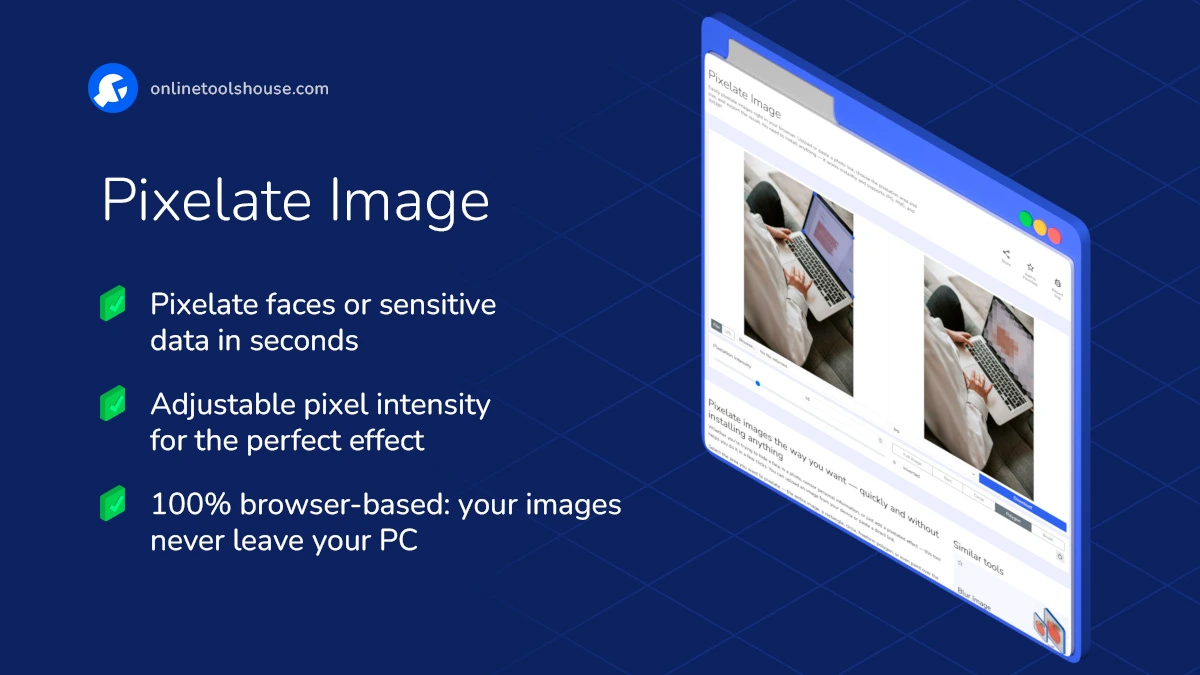
Select the area you want to pixelate - the entire image, a rectangle, circle, freeform polygon, or even paint over the image with a brush. You can easily adjust the pixelation level to get the effect you need, from soft censoring to strong pixel blocks.
When you're ready, download your edited image in the format you prefer: JPG, PNG, or WEBP. No account needed, no watermarks - just a simple, private way to pixelate any image online.
Perfect for journalists, teachers, designers, or anyone who needs quick image editing without complicated software.
How to Pixelate Image Online
You may want to hide faces or sensitive parts of an image.This tool lets you pixelate any area quickly in your browser. Just upload an image and apply the effect in a few clicks.
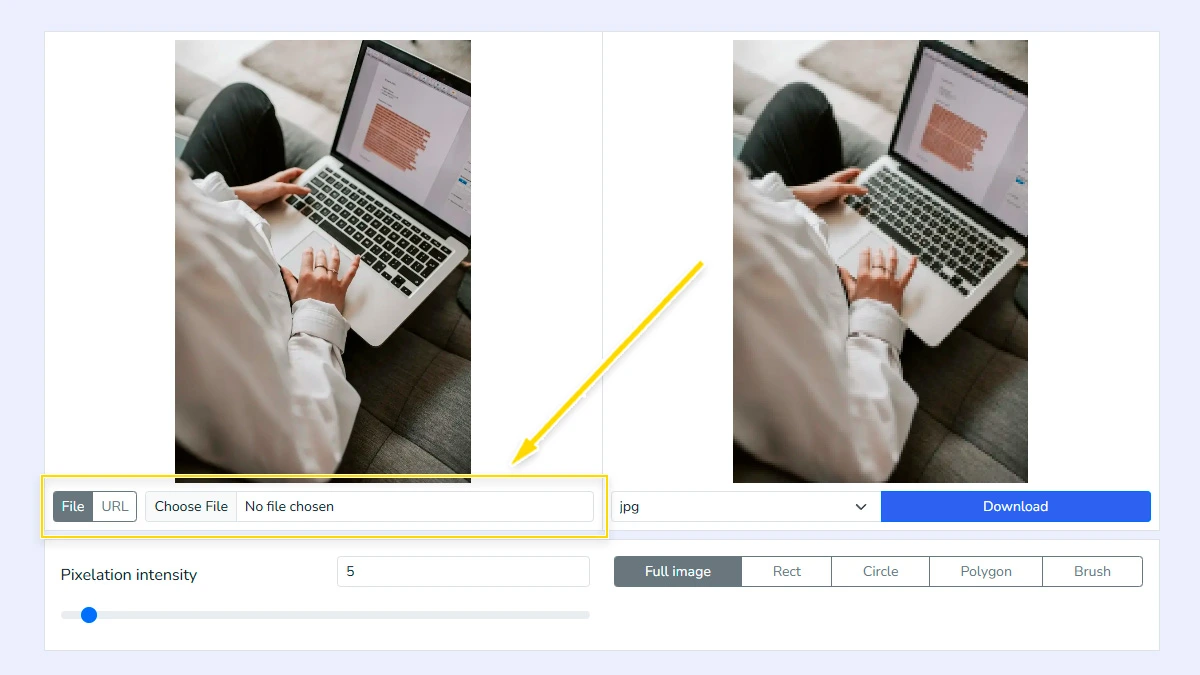
Upload your image1
Choose an image from your device or paste a direct image link. The tool loads it instantly and shows a preview, so you can start editing without waiting or installing any software.
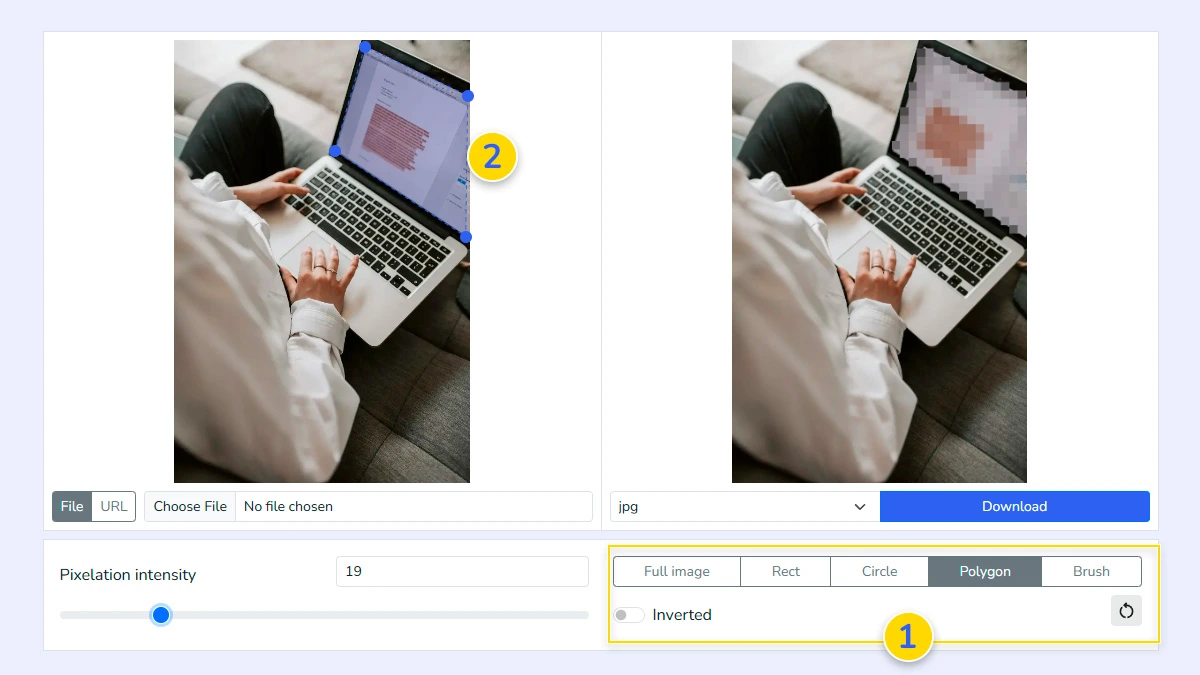
Select area to pixelate2
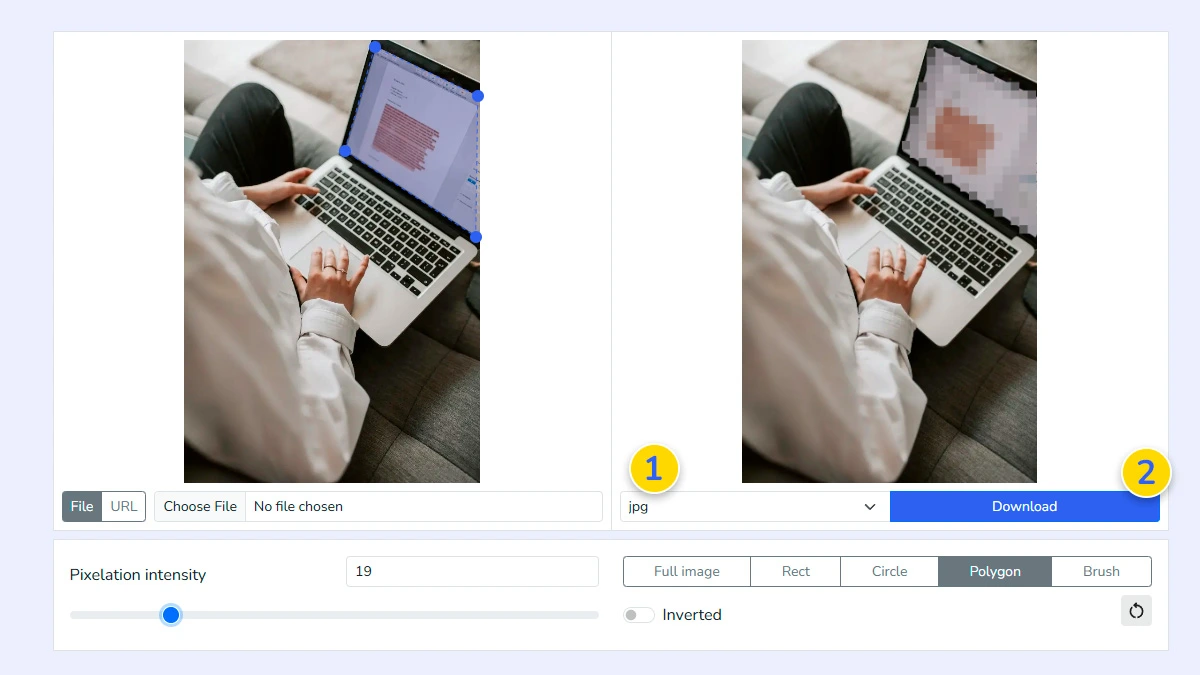
Choose how you want to apply the effect: full image, rectangle, circle, polygon, or brush 1. Use your mouse to highlight the specific part of the image you want to hide 2. You can easily select faces, license plates, or any other private details that need blurring.
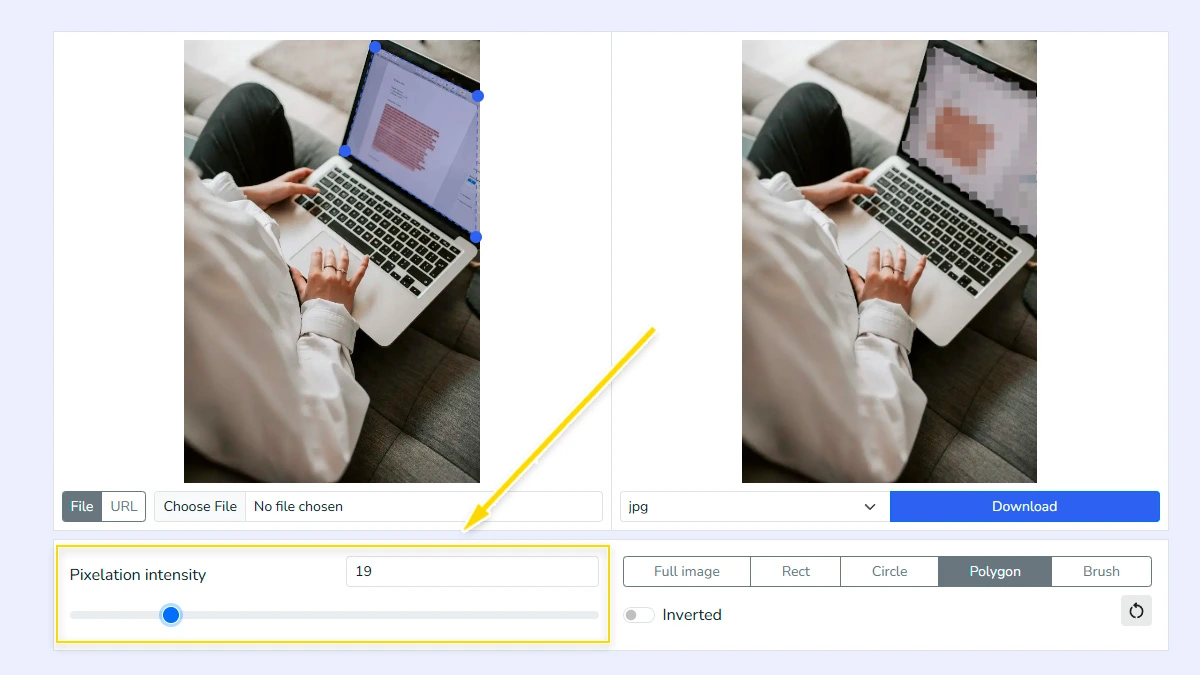
Adjust intensity3
Move the slider to change the pixel size and find the balance between privacy and aesthetics. Larger pixels provide better anonymity for highly sensitive information.
Download the result4
Select the output format 1 such as JPG, PNG, or WEBP, then click download 2. Your processed image will be ready instantly without any watermarks or quality loss.
FAQ
Is it safe to pixelate my private photos here?
Yes. All processing happens locally in your browser. Your images are never uploaded to our servers, ensuring 100% privacy.
Can I unpixelate an image later?
No. Pixelation removes original visual data from the selected area. Once saved, the original details cannot be restored from the pixelated file.
What image formats are supported?
You can upload and process JPG, PNG, and WebP files. The tool preserves transparency if the original format supports it.
Is there a limit on file size?
There is no strict limit, but very large images (over 20MB) might slow down your browser during processing.
Can I pixelate multiple areas on one photo?
Yes, you can select and apply pixelation to as many different areas as you need with the brush.
Does the tool add watermarks?
No. The tool is completely free and does not add any watermarks or branding to your downloaded images.
Can I pixelate only part of an image?
Yes, you can select specific areas like rectangle, circle, or free shape.